Pocket textures can now be carved with a V-bit. A V-bit cuts as wide as it cuts deep, so a texture that changes depth changes the width of its lines too. Grooves swell and taper, dots grow and shrink, and pyramids come out with crisp, flat facets that a ballnose can't cut. Nineteen new patterns are built to show it off.
Pick a V-bit for your textures
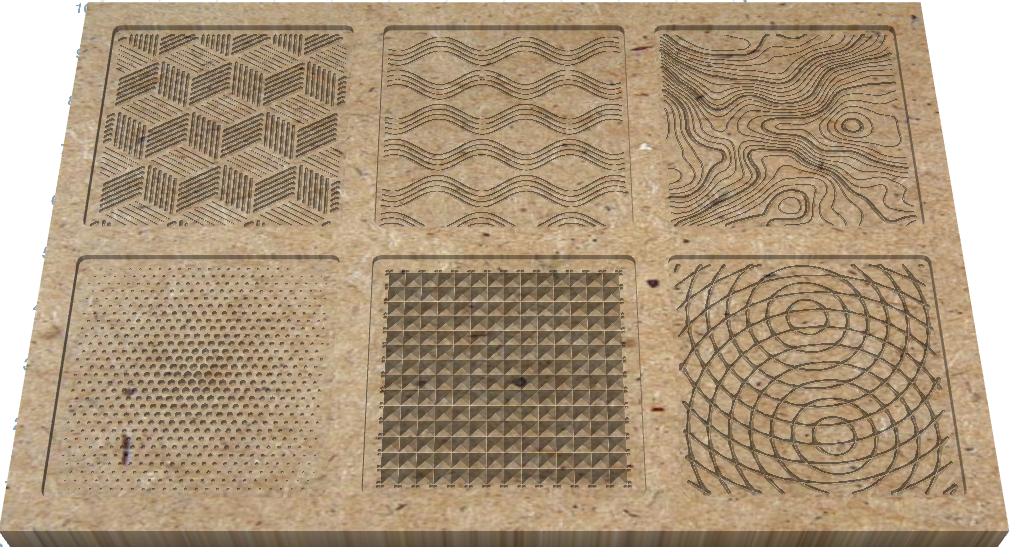
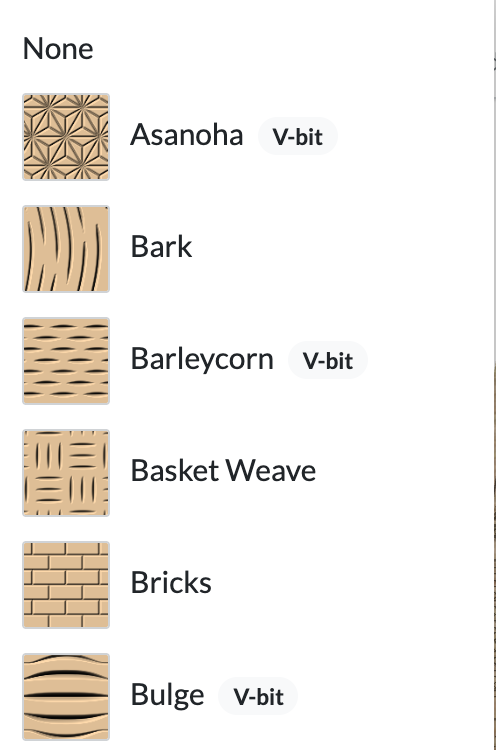
Click Texture Bit and choose any V-bit. The pattern list under Pocket Texture redraws its thumbnails with a V-bit and marks the patterns made for one with a V-bit badge.
Relief patterns like Coves and Dunes sculpt a smooth surface that only a ballnose leaves smooth, so they're unavailable while your texture bit is a V-bit.
Facets and halftones
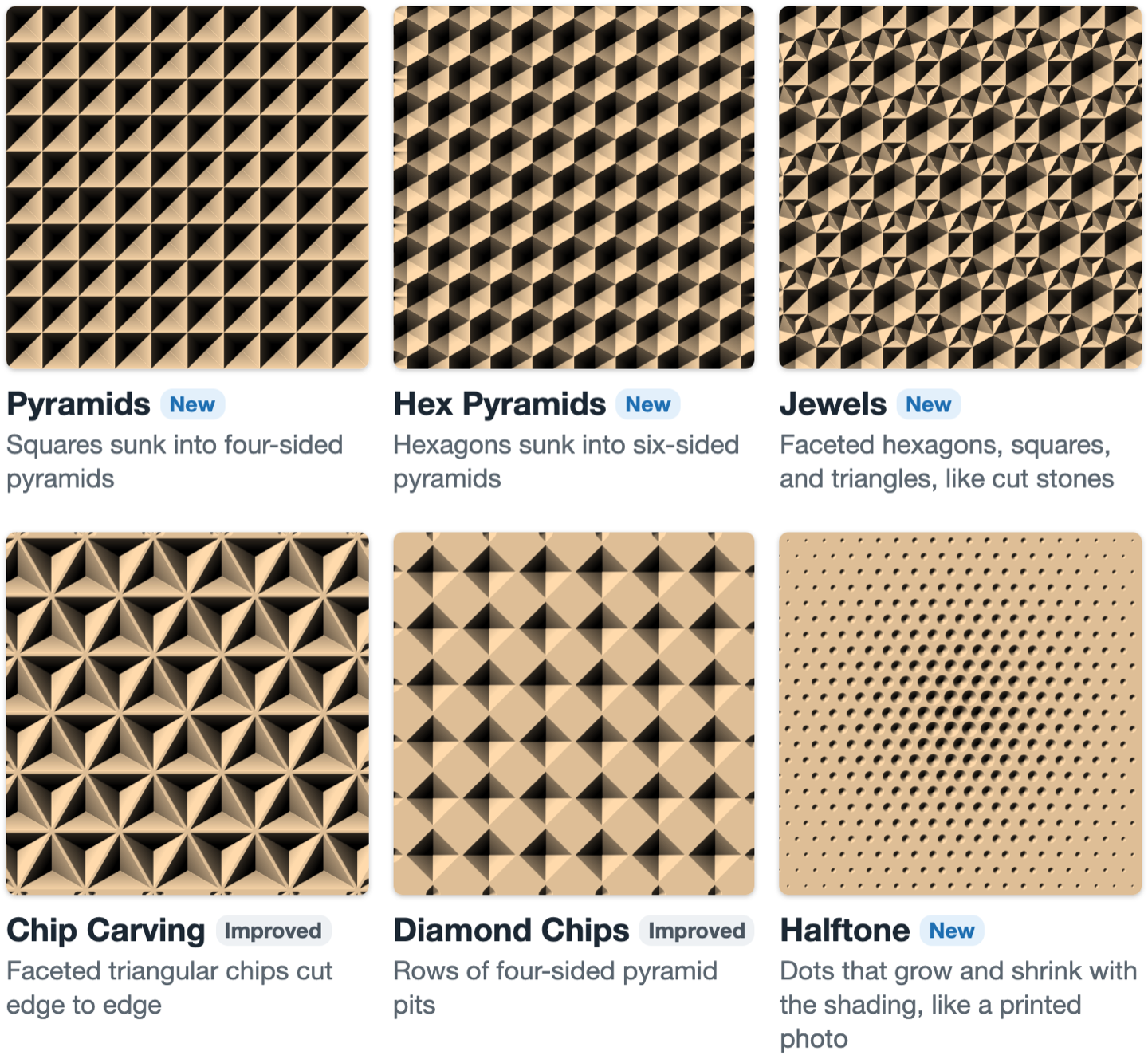
Pyramids, Hex Pyramids and Jewels sink each tile into a pyramid whose facets meet in sharp ridges. Each starts just deep enough for your V-bit to cut whole facets; set it shallower and each tile becomes a sunken star instead. Chip Carving and Diamond Chips now cut true facets with a V-bit too. Halftone plunges a grid of dots whose size follows the shading, like a printed photo.
Waves and line work
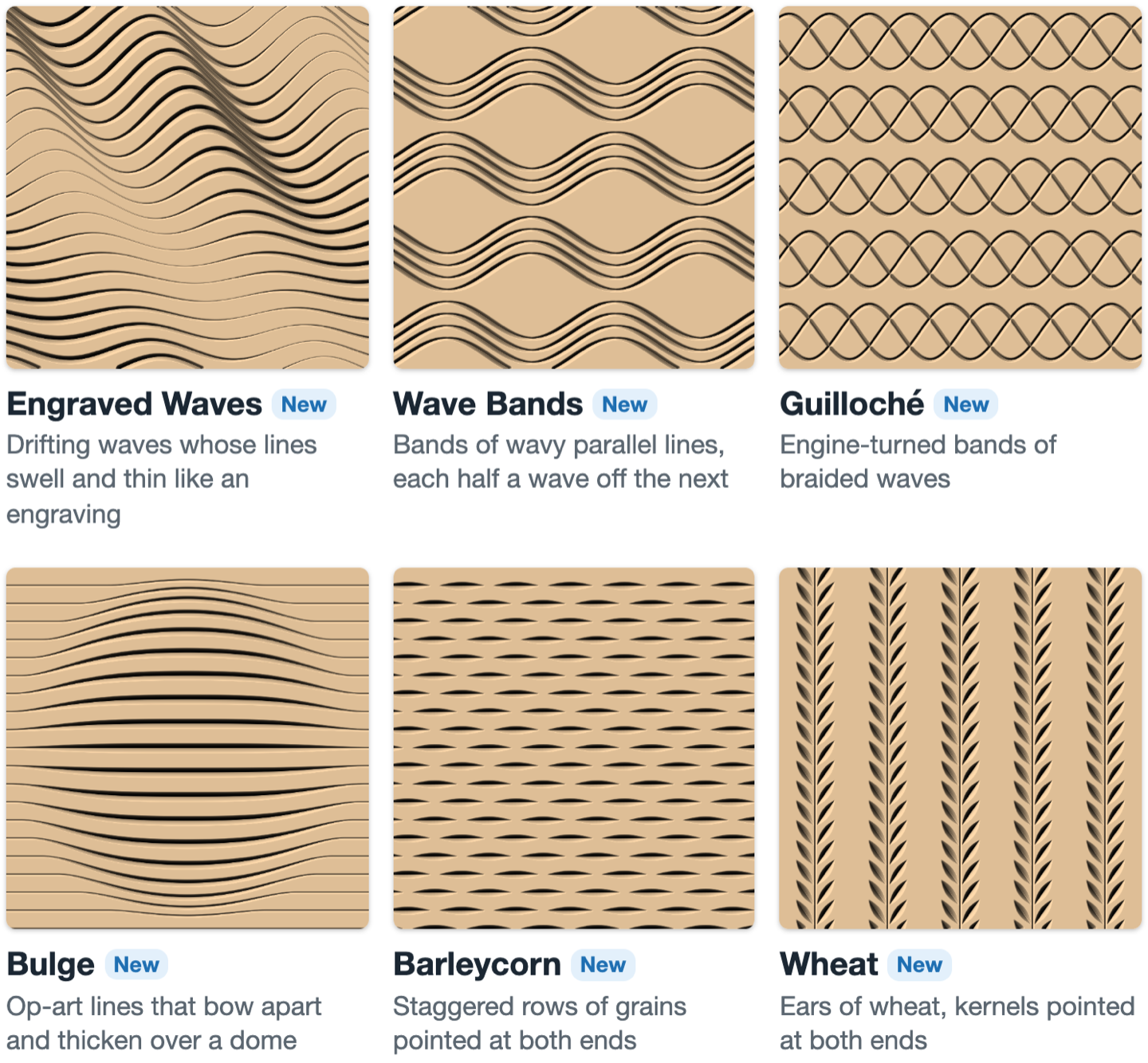
These patterns change depth along each line, so a V-bit draws them like an engraving: lines that swell where they run deep and thin to a hairline where they rise, and grains pointed at both ends.
Op art and generative patterns
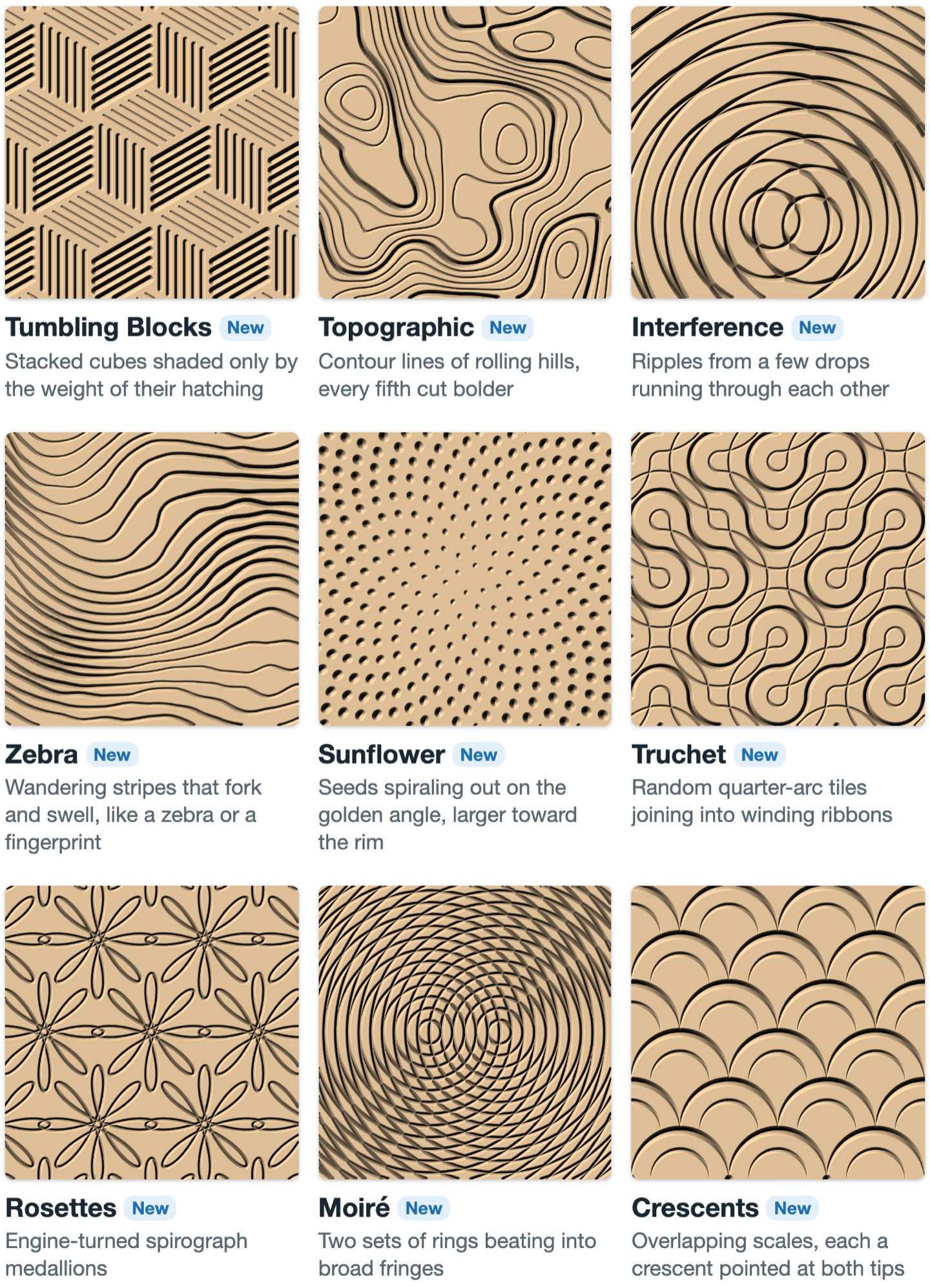
Tumbling Blocks draws cubes with nothing but hatching, shaded by how heavy each face's lines are. Topographic, Interference and Zebra trace contour maps, crossing ripples and forking stripes. Sunflower, Truchet, Rosettes, Moiré and Crescents spiral, wind, loop and beat across the pocket. Patterns with a random layout get a fresh one each time you click Shuffle.
Shade any texture
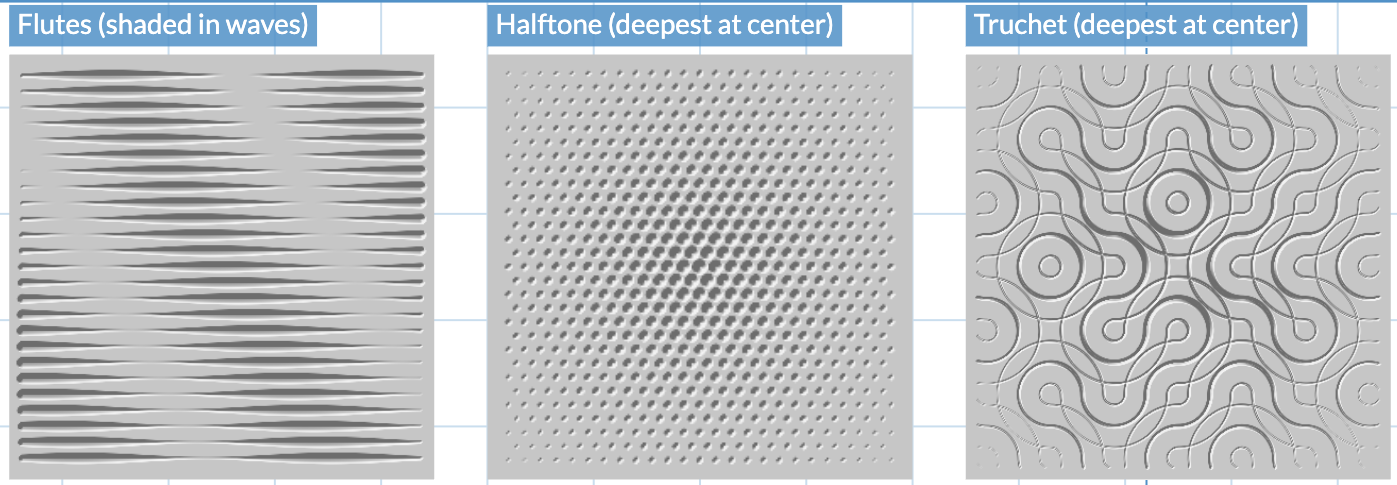
Click the gear next to the pattern and open the Shading tab. Choose how the depth changes across the pocket: Fade across, Deepest at the center, Deepest at the edges or Waves. Lightest sets how much of the depth is cut where the shading is lightest, and Direction turns a fade or the waves.
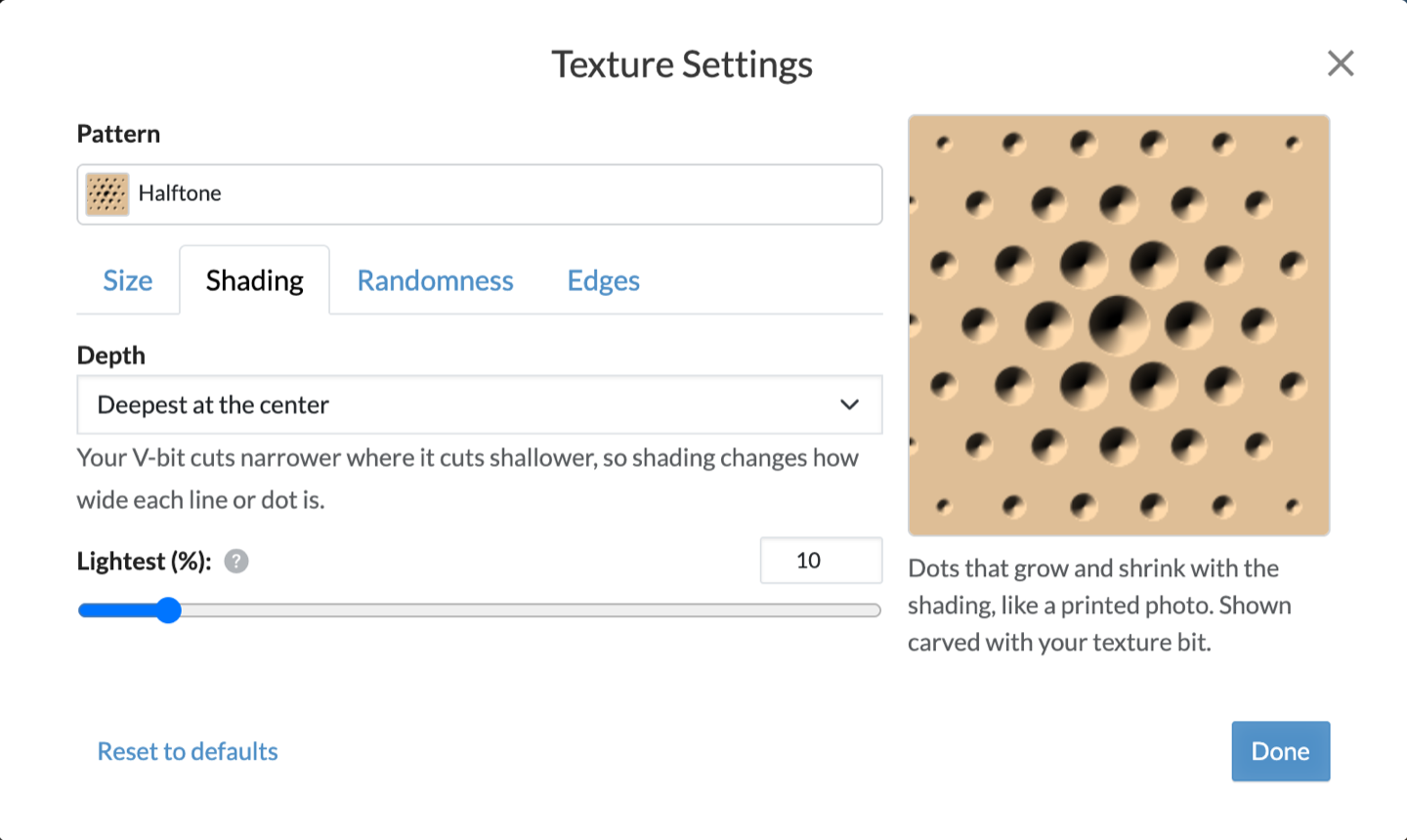
With a V-bit, shading sets how wide each line or dot is, so any pattern can read like an engraving or a printed halftone. Wipe on a stain after carving: it collects in the deeper, wider cuts and makes the shading stand out.
Faster texture carving
Texture toolpaths now cross between nearby strokes just above the pocket floor instead of lifting to the retract height and plunging back in. Textures carve with far fewer lifts, with a ballnose as well as a V-bit, and the 3D preview shows fine V-bit textures in sharper detail.
Textured pockets are part of Easel Pro.