Easel now supports importing STL models with up to 12 million triangles. Bring in detailed 3D scans, sculpted reliefs, and high-resolution models, ready to carve.
- Up to 12 million triangles. Binary STL files of up to about 600 MB import into your project. More than twice as many as before.
- Automatic optimization. Files over 100 MB are optimized as they import, so even very detailed models are ready to carve.
- Clear guidance for oversized files. If a model is over the limit, Easel shows its triangle count right away, so you know how far to reduce it.
- Smooth editing. Move, scale, and restyle large 3D models throughout a long design session.
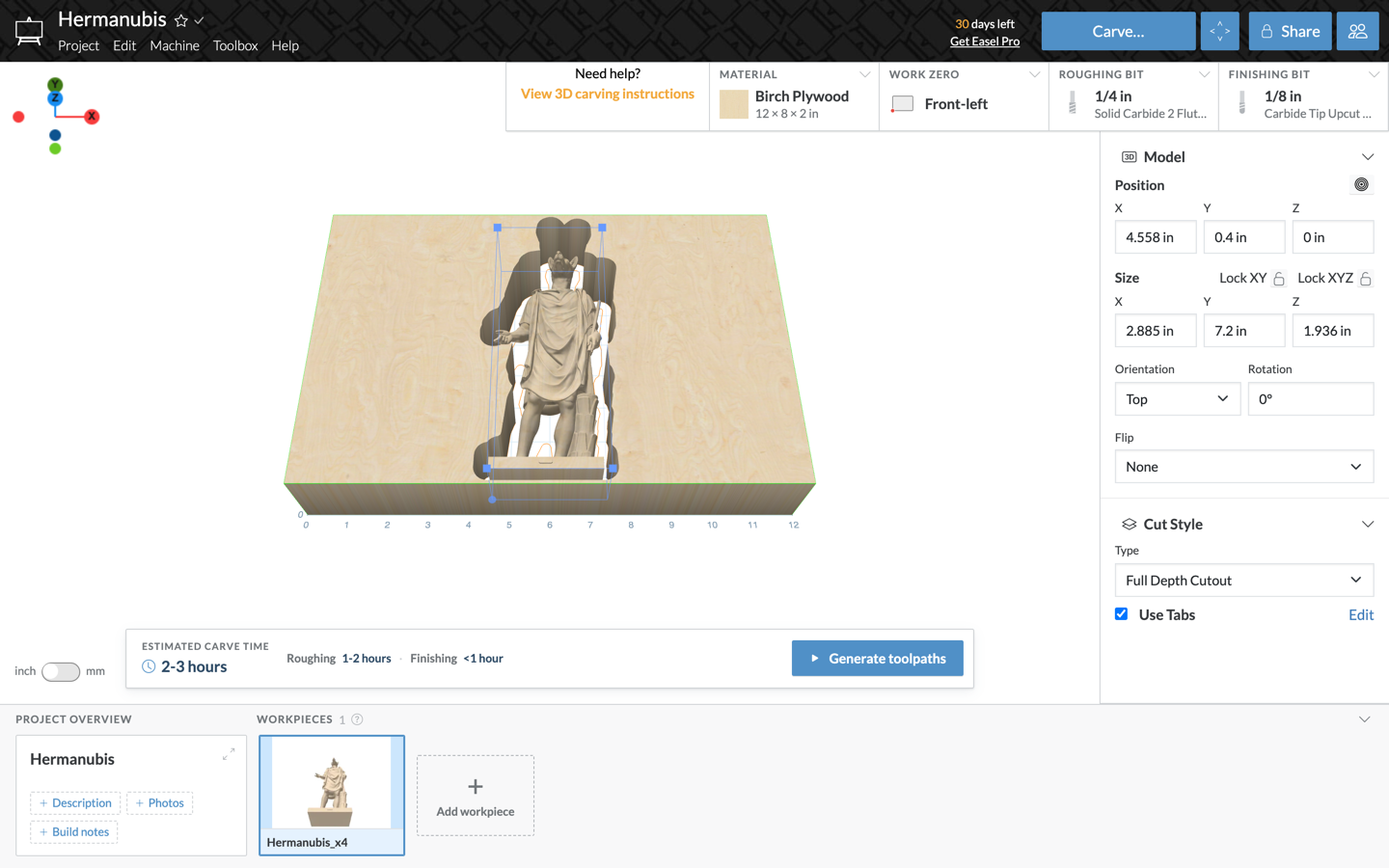
How to use
- Open a project and click Import in the left toolbar.
- Choose 3D STL and pick your file.
- A large model can take a minute or two to optimize. Keep the window open until your model appears.
3D STL import is part of Easel Pro.