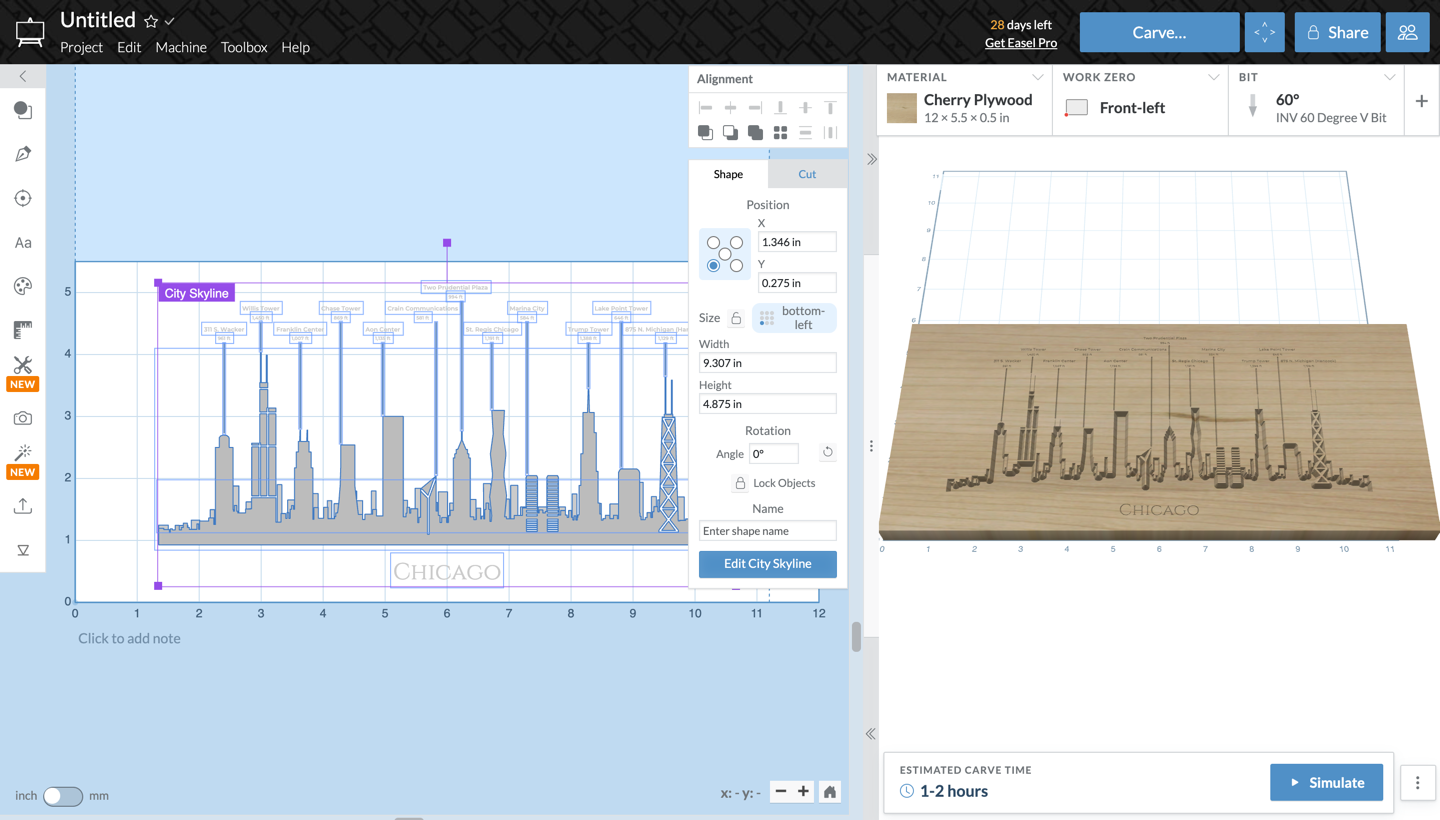
City Skyline App
Carve the skyline of your favorite city in a few clicks. The City Skyline app draws cities from their landmark towers, each seen from a real vantage point, and sizes the skyline to your material.
Open the app
Click Apps in the toolbar and choose City Skyline, or find it in the App Library under Featured.
Pick a city and a view
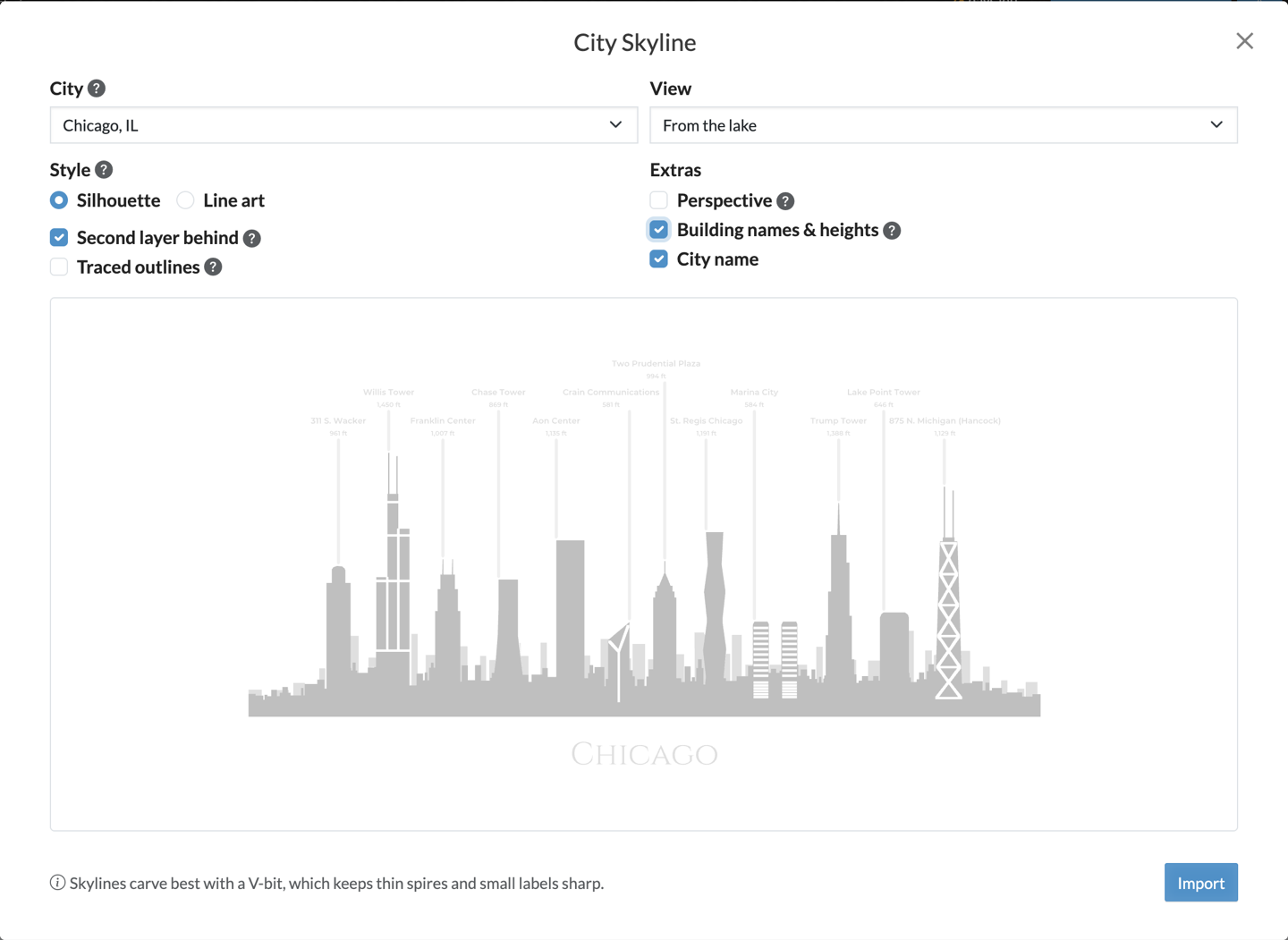
Choose a City and a View. Each city has two to four views, like Chicago From the lake or Seattle From Kerry Park.
Turn on Building names & heights to label each landmark with its name and height, joined to its top by a line. Heights show in feet or meters to match your project's units. Turn on City name to add the name beneath the skyline.
Choose a style
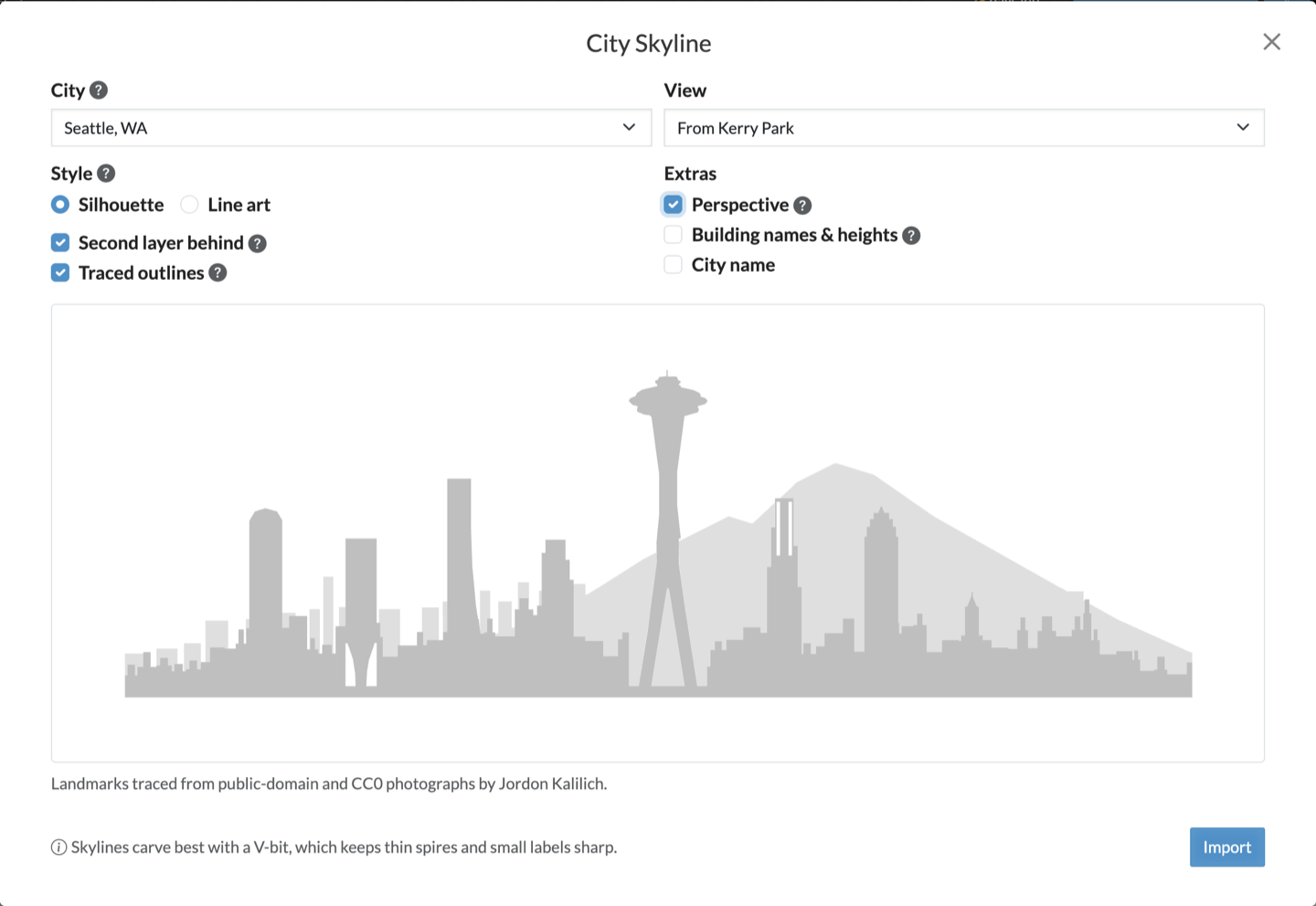
Silhouette carves the skyline as a filled shape, with the landmarks at 1/8" deep. Second layer behind adds a lighter row of buildings behind them at 1/16", and in some cities a mountain, like Mount Rainier behind Seattle.
Traced outlines swaps in landmark outlines traced from photographs, on views that have them. Perspective sizes each tower by its distance from the view, so nearby landmarks loom larger.
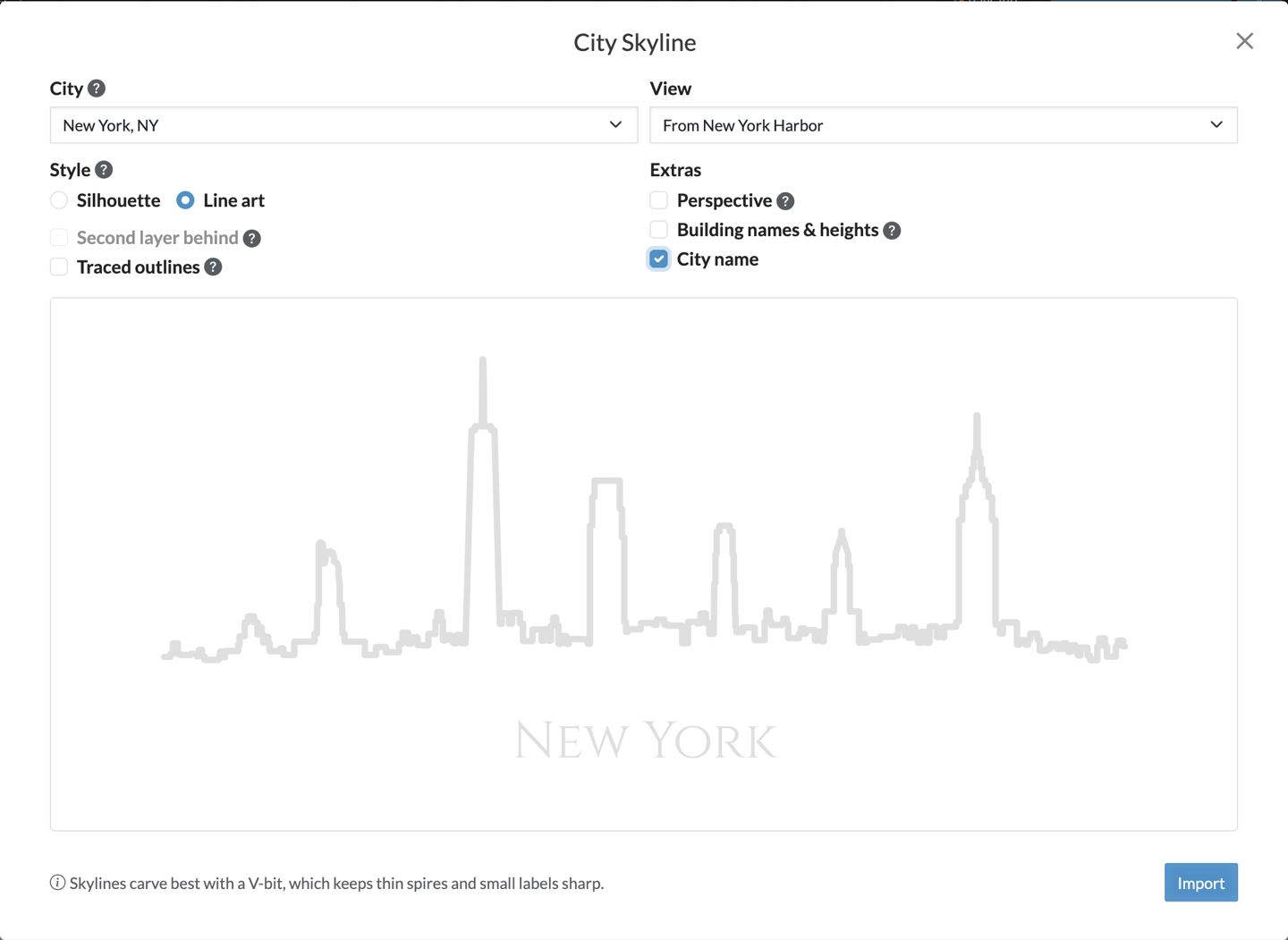
Line art engraves just the roofline as a single stroke.
Import and carve
Click Import when the preview looks right. Skylines carve best with a V-bit, which keeps thin spires and small labels sharp.
To change a skyline after importing it, select it and click Edit City Skyline. The app reopens with the same choices, and Update replaces the skyline where you placed it.