Power up your AnoleX CNC with Easel
Design, generate toolpaths, and control your AnoleX CNC machine, all from one intuitive browser-based platform. No G-code required.
Easel Free Trial →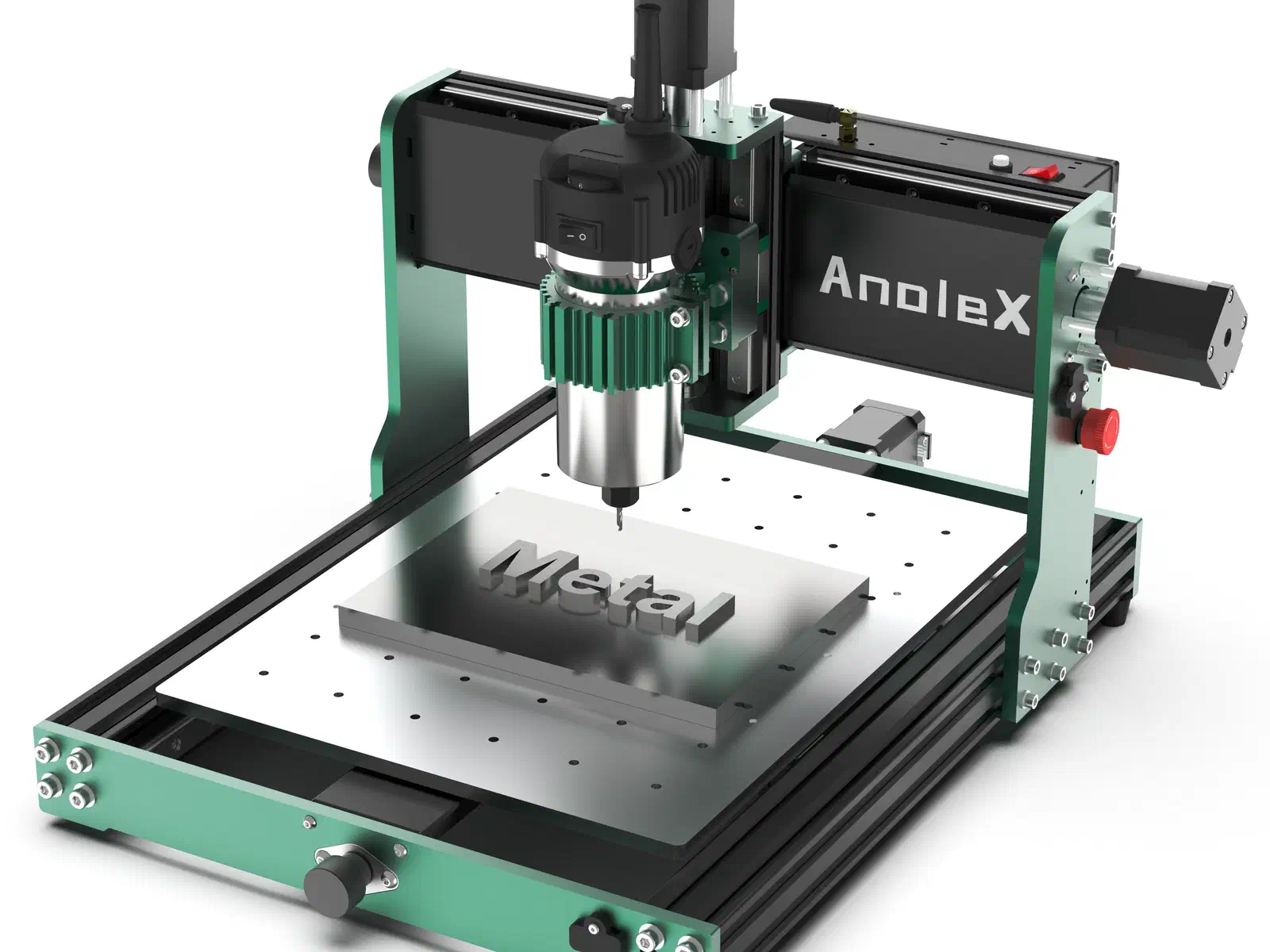
Compatible Machines
AnoleX CNC Routers
Easel Pro works with every AnoleX CNC router. Select a machine to see detailed specs and setup guides.
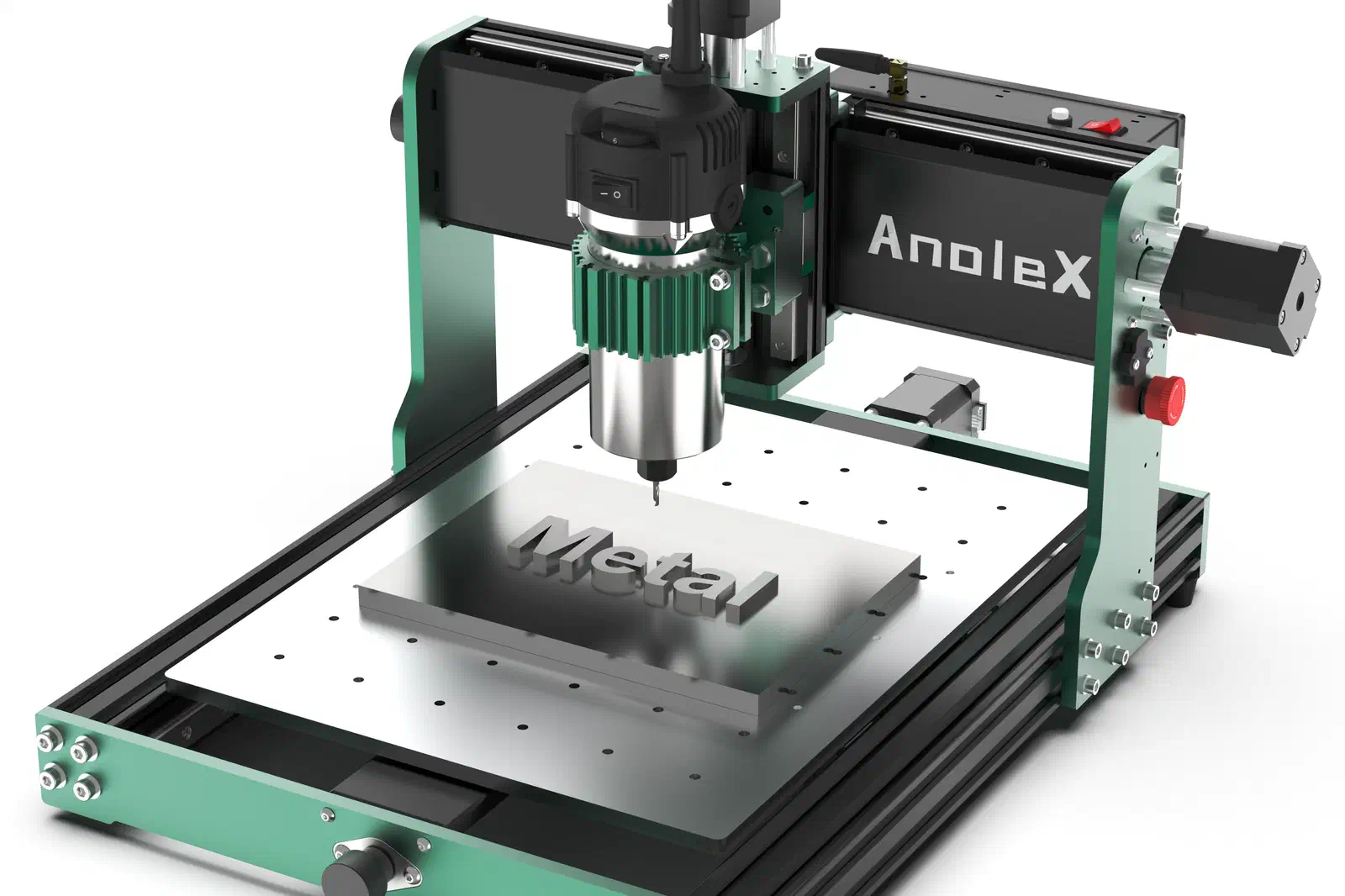
3030-Evo Max
All-metal CNC with an 800W trim router and Nema 17 steppers
GRBL
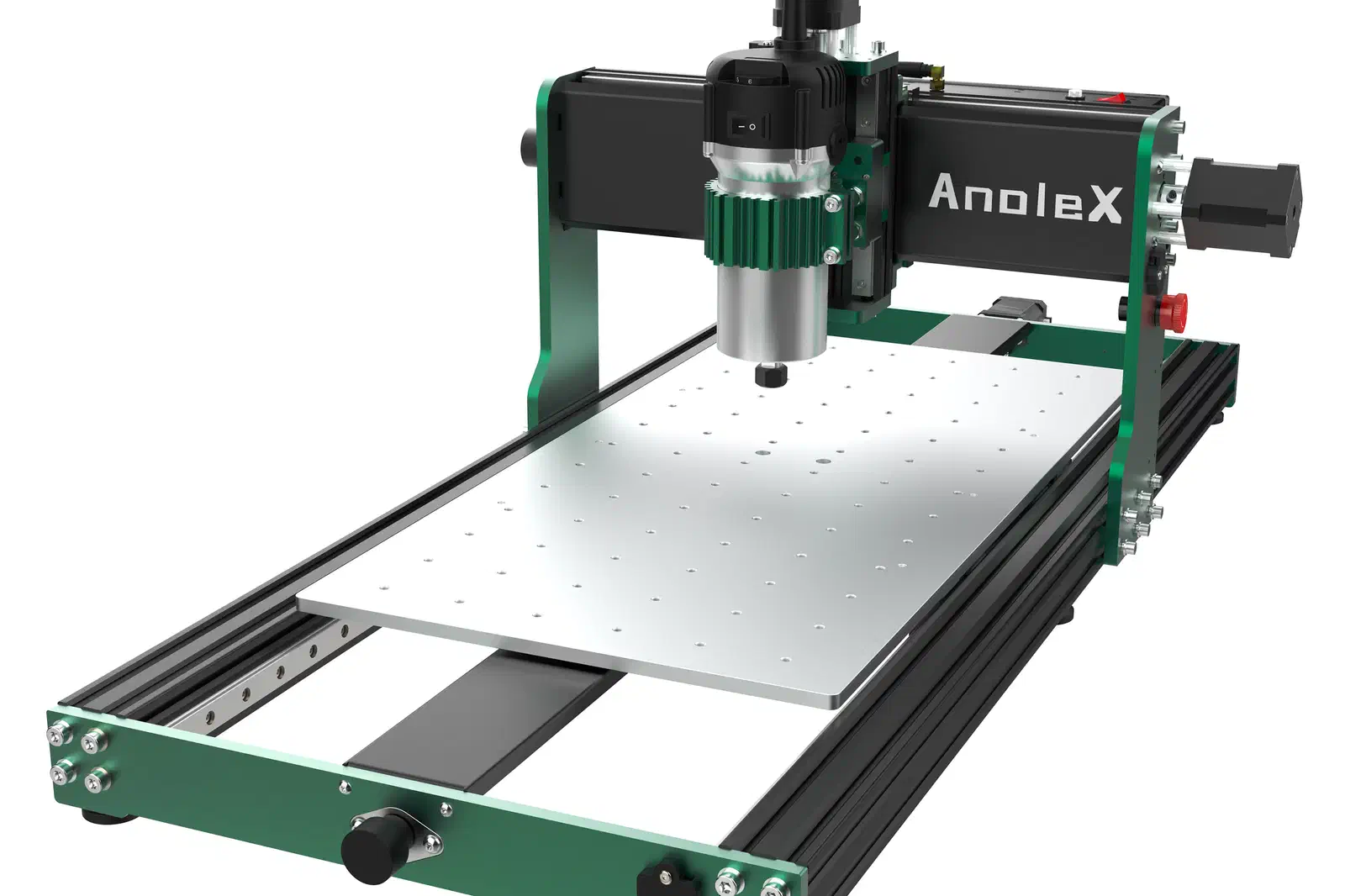
3060-Evo Max
All-metal CNC with an 800W trim router and a 300 x 600mm bed
300 x 600 x 73 mm GRBL
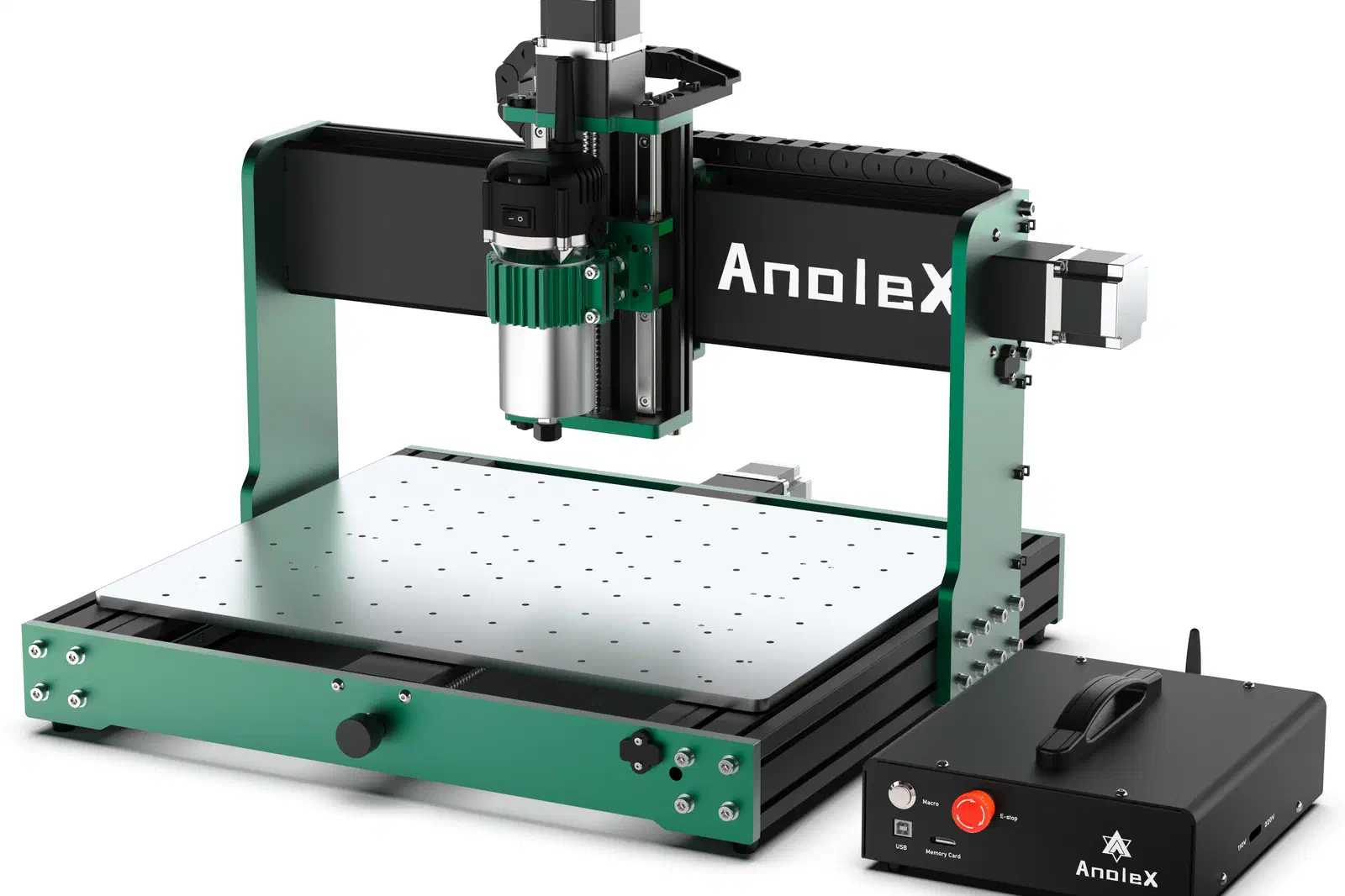
4030-Evo Ultra 2
All-metal CNC with an 800W trim router and ball-screw drive
GRBL
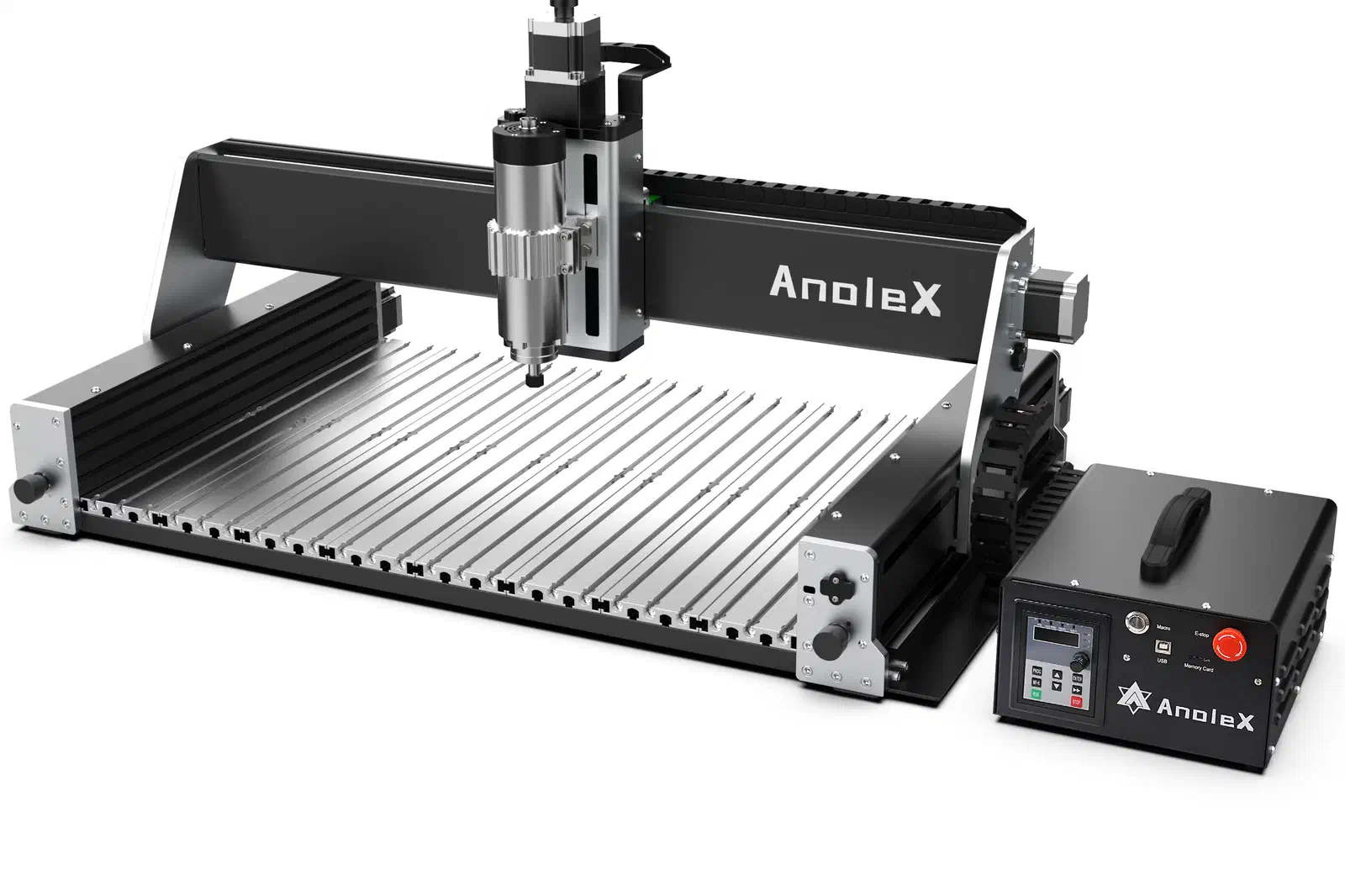
RX6040
All-metal CNC with a 1.5kW spindle and ball-screw drive
600 x 400 x 130 mm GRBL
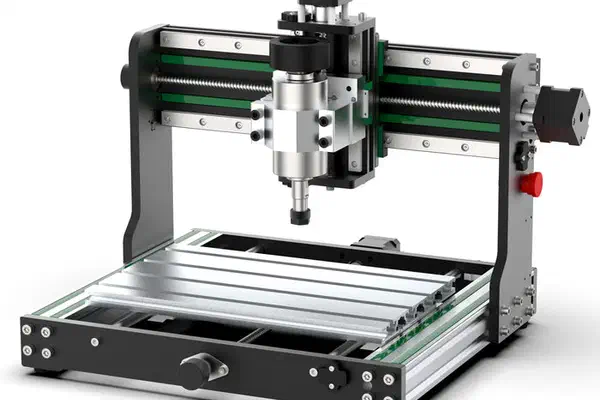
3020-Evo
Entry-level all-metal CNC with a 300W spindle
287 x 196 x 73 mm GRBL
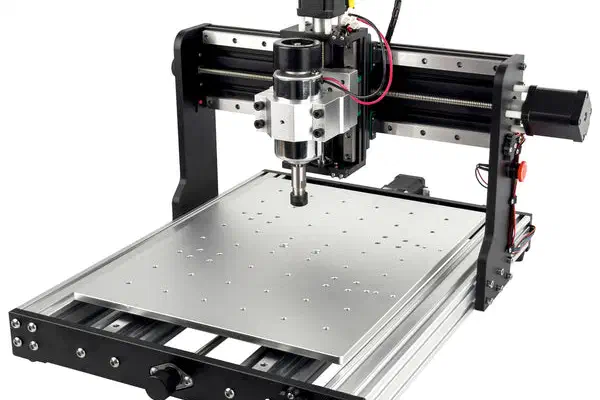
3030-Evo Pro
All-metal CNC with a 300W spindle and dual guide rails
287 x 300 x 73 mm GRBL
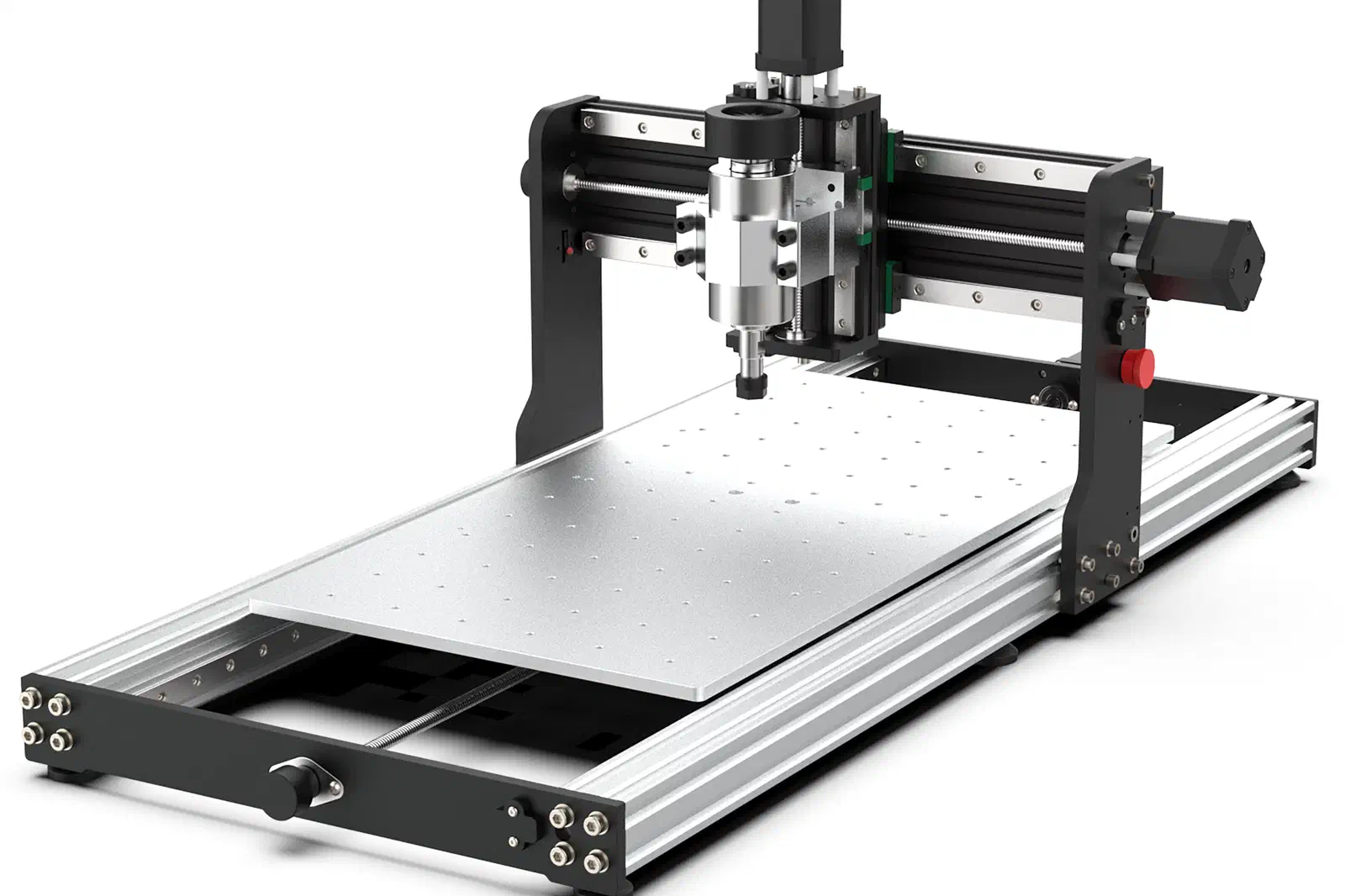
3060-Evo Pro
All-metal CNC with a 300 x 600mm working table
287 x 600 x 73 mm GRBL
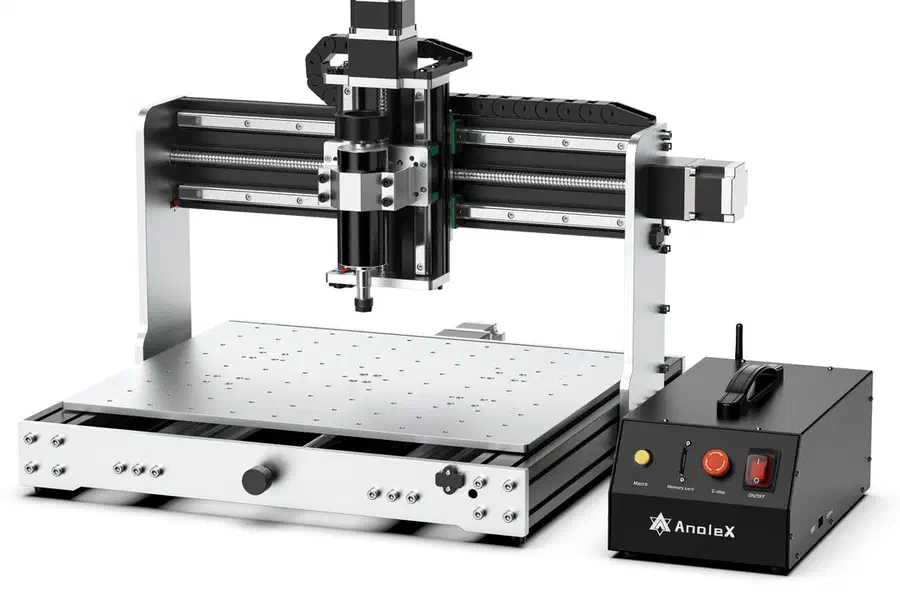
4030-Evo Ultra
All-metal CNC with a 500W spindle and ball-screw drive
GRBL
How It Works
From idea to finished piece in three steps
 1
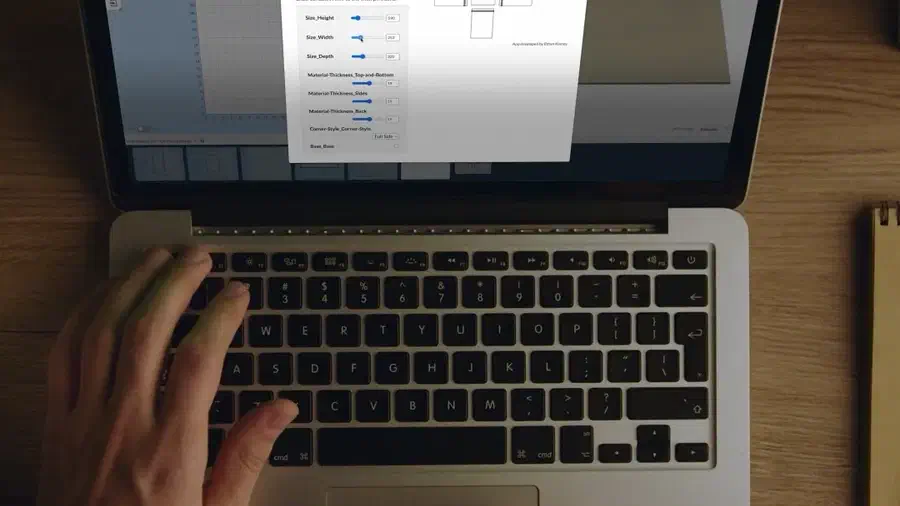
1Design Your Project
Use templates, draw shapes, add text, or import your own files. Easel's tools make design accessible to everyone.
 2
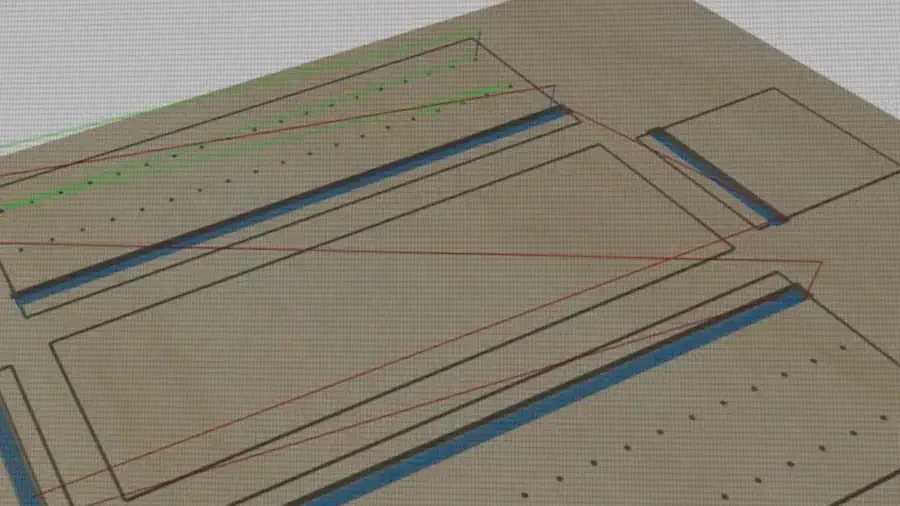
2Generate Toolpaths
Set your material, choose your bit, and Easel calculates optimal feeds, speeds, and cutting depths automatically.
 3
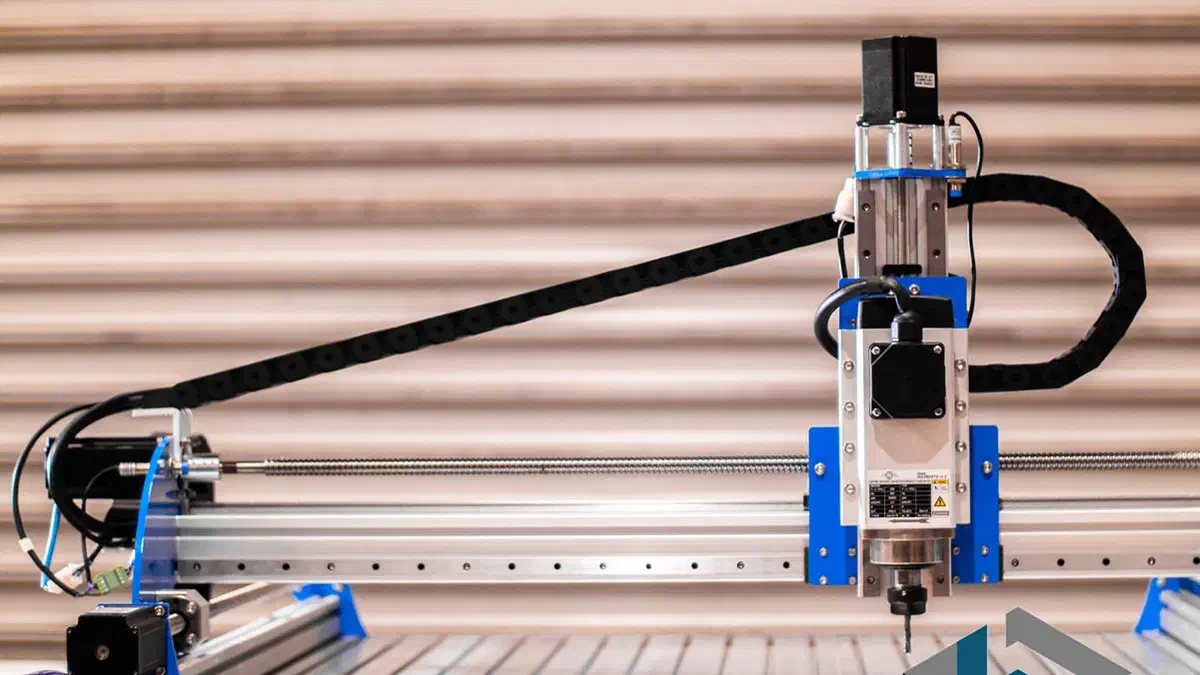
3Carve
How your machine connects depends on its controller. GRBL and FluidNC machines carve live from Easel over USB or a Chromium browser; others, including grblHAL, ESP32-GRBL, and non-GRBL controllers, export G-code to run on the machine's own software. Each machine below shows exactly how it connects.