More than a dozen ways to reshape a design, from moving single points to separating, trimming and offsetting whole shapes.
Almost nothing arrives exactly right. A design is close but the tail is too long, an imported SVG has a stray segment, two shapes need to become one. Vector editing is how you close that gap without going out to another program and back.
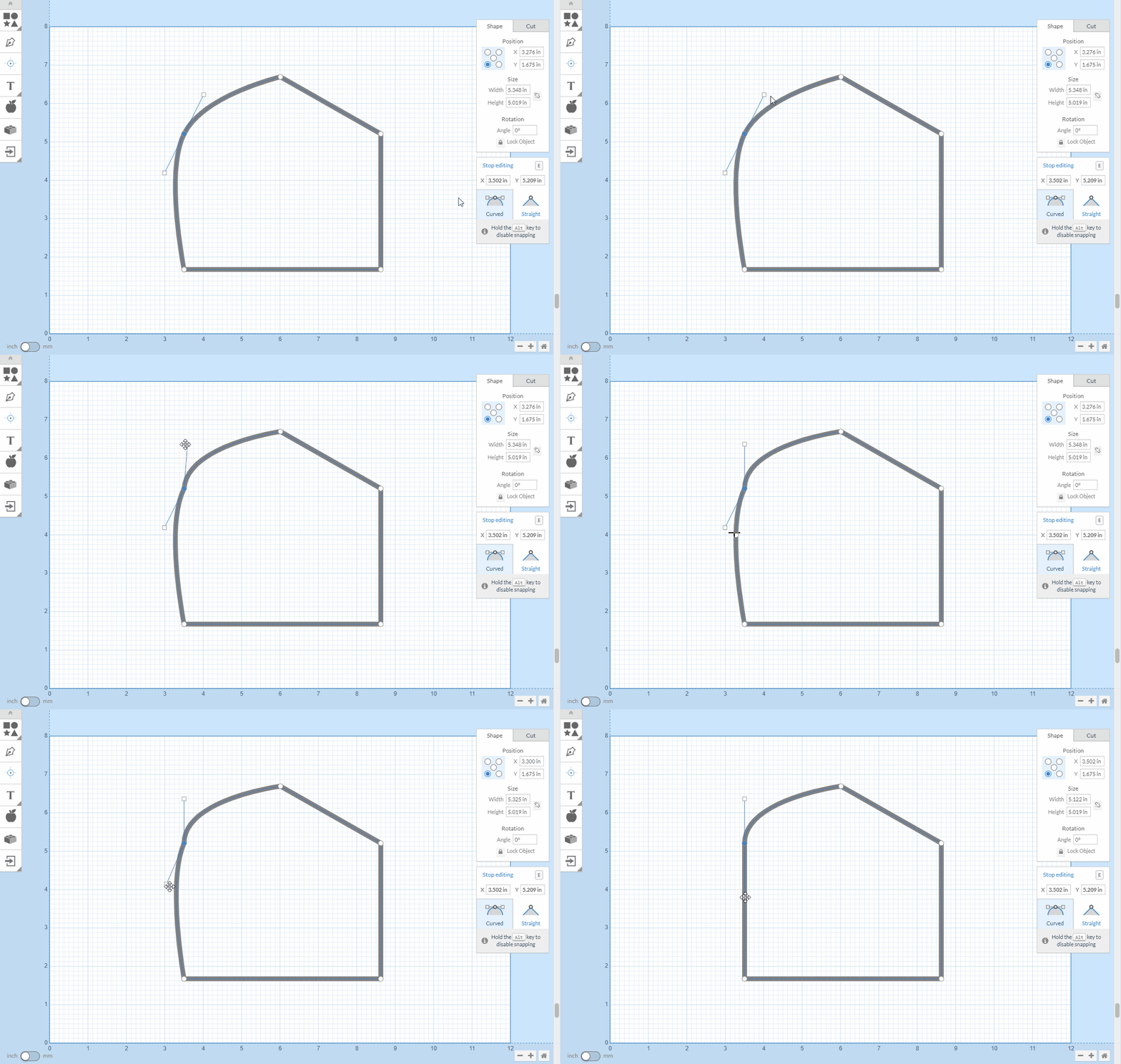
Drag individual points and handles, add and delete points, and type exact coordinates when eyeballing it is not good enough. Separate a compound shape into its parts, trim line segments back to an intersection, offset a path to make a border, and simplify a hand drawn curve down to a sane number of points.
All of it is on the Free plan. This is the part of Easel people underestimate, and it is the reason a design from the gallery can become your design rather than a copy of someone else's.
Create a free Easel account today, or start a free trial to unlock every Starter and Pro feature.
Easel Free Trial →
