Easel for education
Free Easel Pro for teachers. A classroom for your students.
Teachers at schools, libraries and makerspaces get Easel Pro free through an Educator Account. Teach at a K-12 school or district in the United States? Add Easel Classroom and every student on your roster gets their own Pro seat, a private place to share work and get your feedback, and an account built for K-12 privacy rules.
- Educator Account is free
- Classroom is $129 per class per year
- Sign in with Google
- Works on Chromebooks

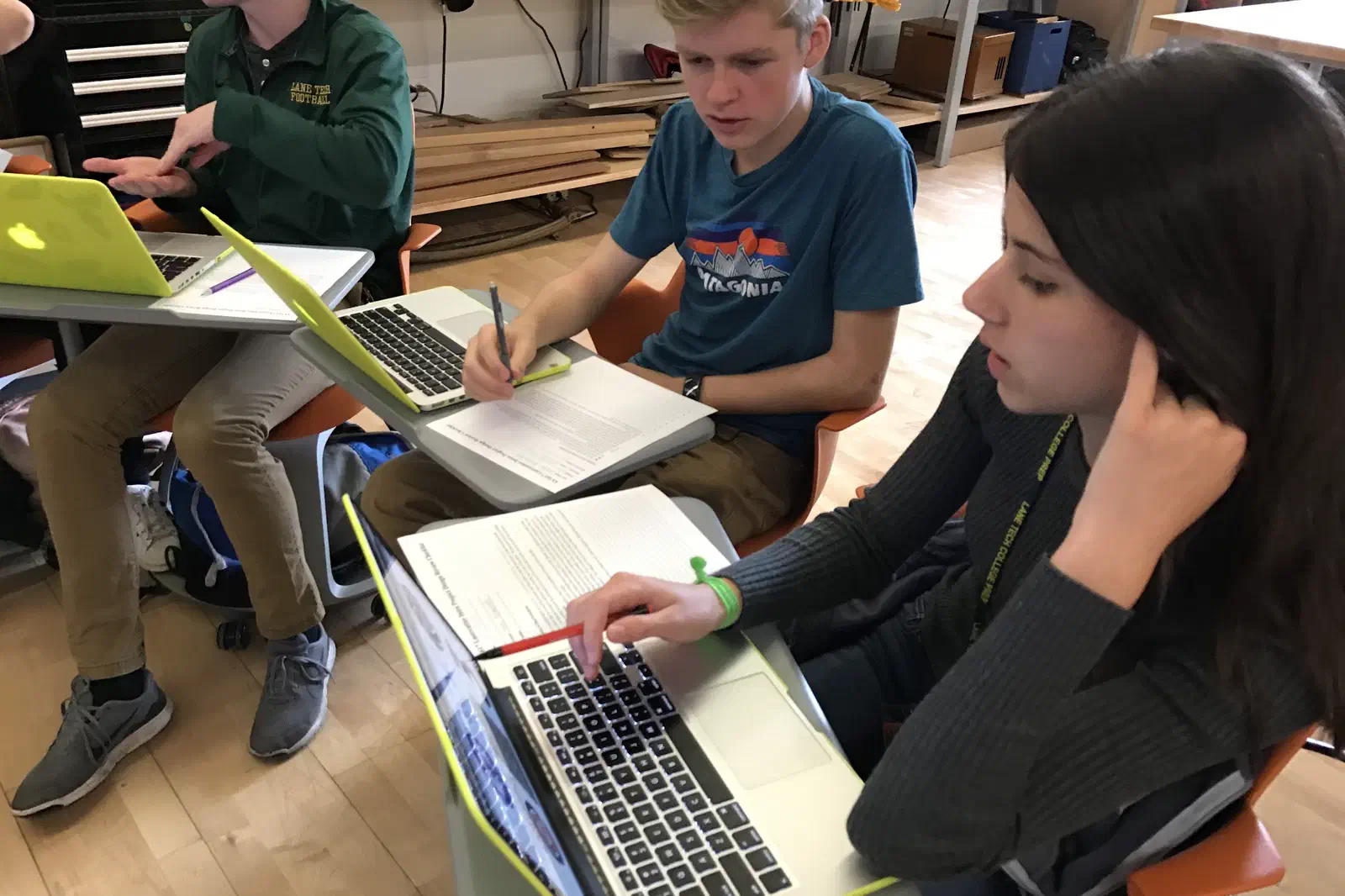
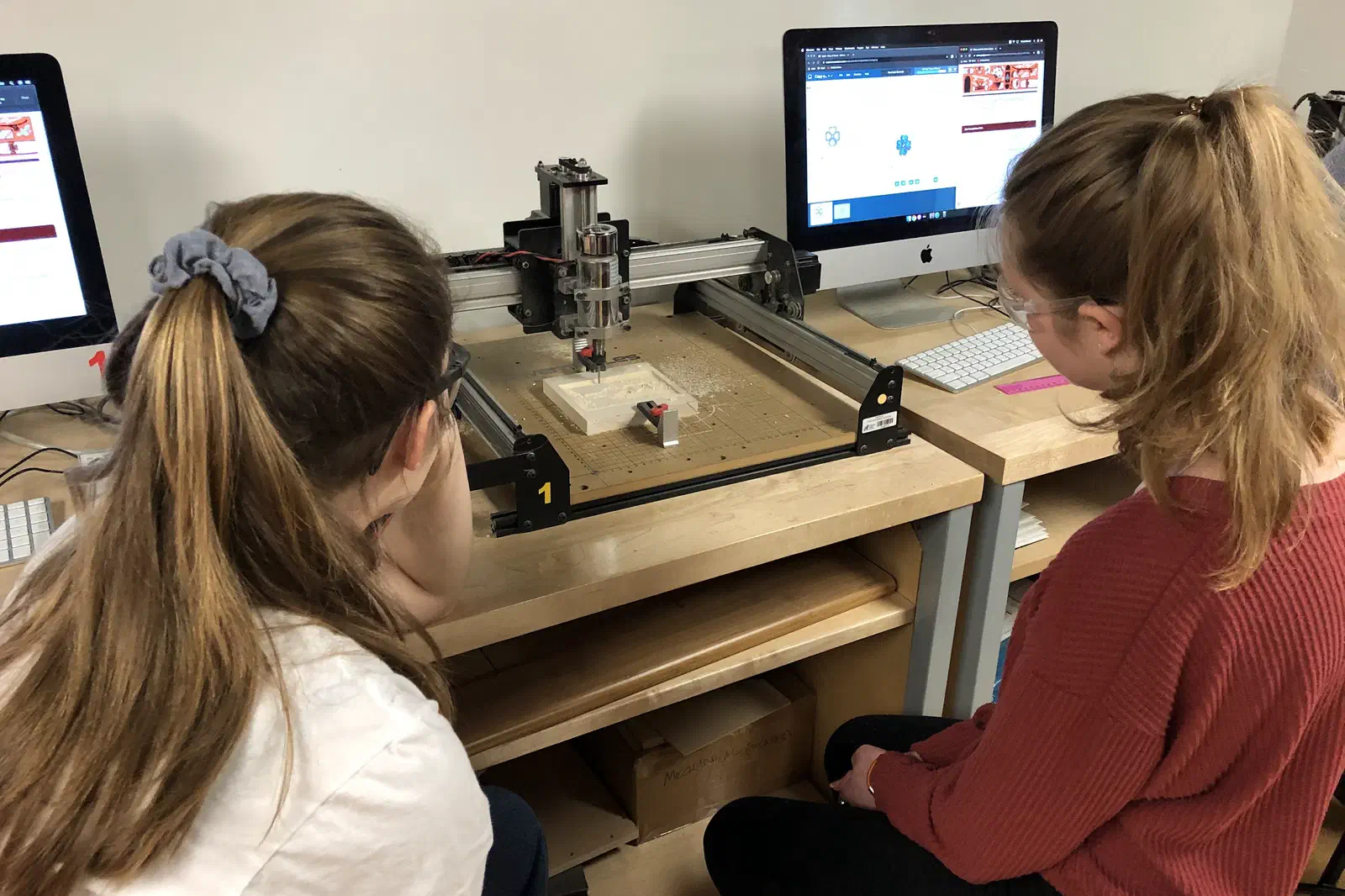

For teachers and their students
Free for you. Ready for your class.
Educator Account
Free for educators
For any teacher or staff member at a school, university, library, makerspace or other nonprofit educational organization.
- A full year of Easel Pro for you, renewable while you teach
- V-carving, 3D carving, the design library, 300+ fonts and unlimited carves
- Apply with your school email and website. US K-12 schools also need an official's sign-off and a signed state data privacy agreement
Students can't have accounts of their own on an Educator Account due to State and Federal student privacy laws.
Easel Classroom
$129 per class, per year
For a teacher at a K-12 school or district in the United States who wants every student designing, sharing and carving on their own login.
- Full Easel Pro for up to 35 students per class
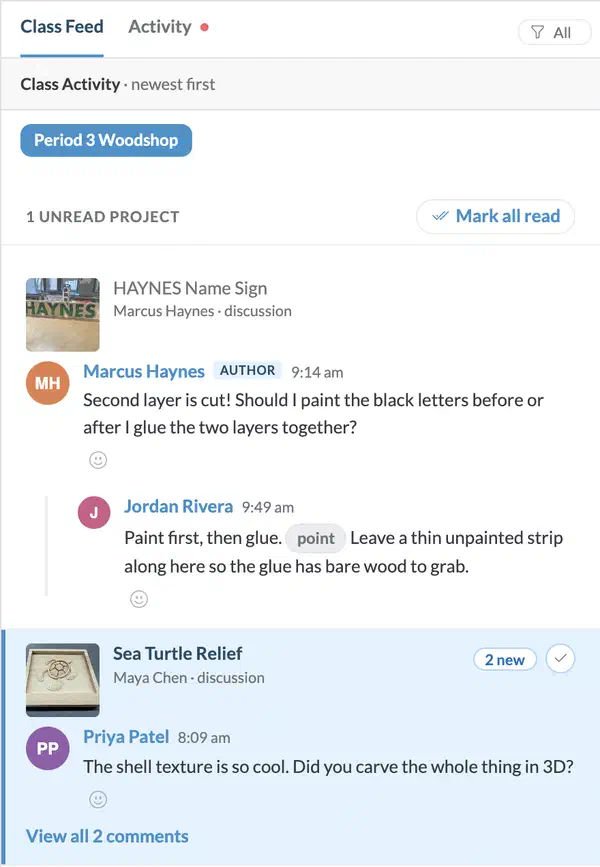
- A private class feed and class gallery, with your comments pinned on the design
- Rosters by paste, CSV import or join code, and sign in with Google
Requires an approved Educator Account with your school's sign-off. Start a 7-day free trial from the Account tab in Easel.
Easel Classroom
Built for a modern maker classroom
Every student gets their own seat in Easel Pro. You get the roster, the feed and the feedback tools to manage the classroom.
Students design on their own
Each student signs in to their own account with full Easel Pro and designs, simulates and carves without waiting on the teacher's laptop.
One account per student
Every student has their own projects, toolpaths and history. Nothing gets mixed up in a shared login, and you see all of it from the class feed.
Feedback goes on the design
Open a student's project and pin a comment on the exact spot that needs fixing. They see it the next time they open the file.
How it works
Get started in three steps
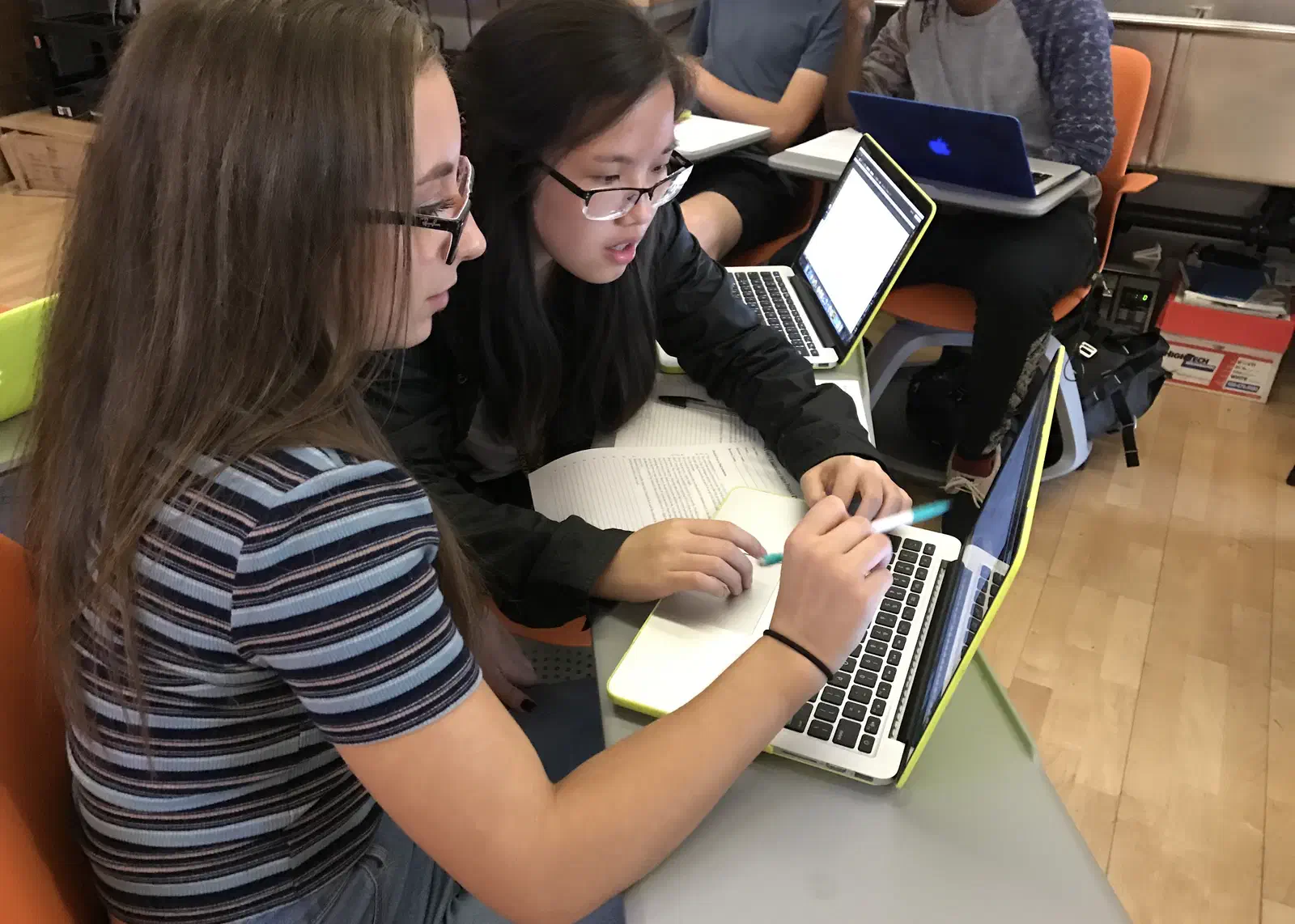
01
Get approved as an educator
Apply with your school email and website. It's free and gives you a year of Easel Pro. At a US K-12 school, an official also signs off and your school's signed state data privacy agreement must be on file.
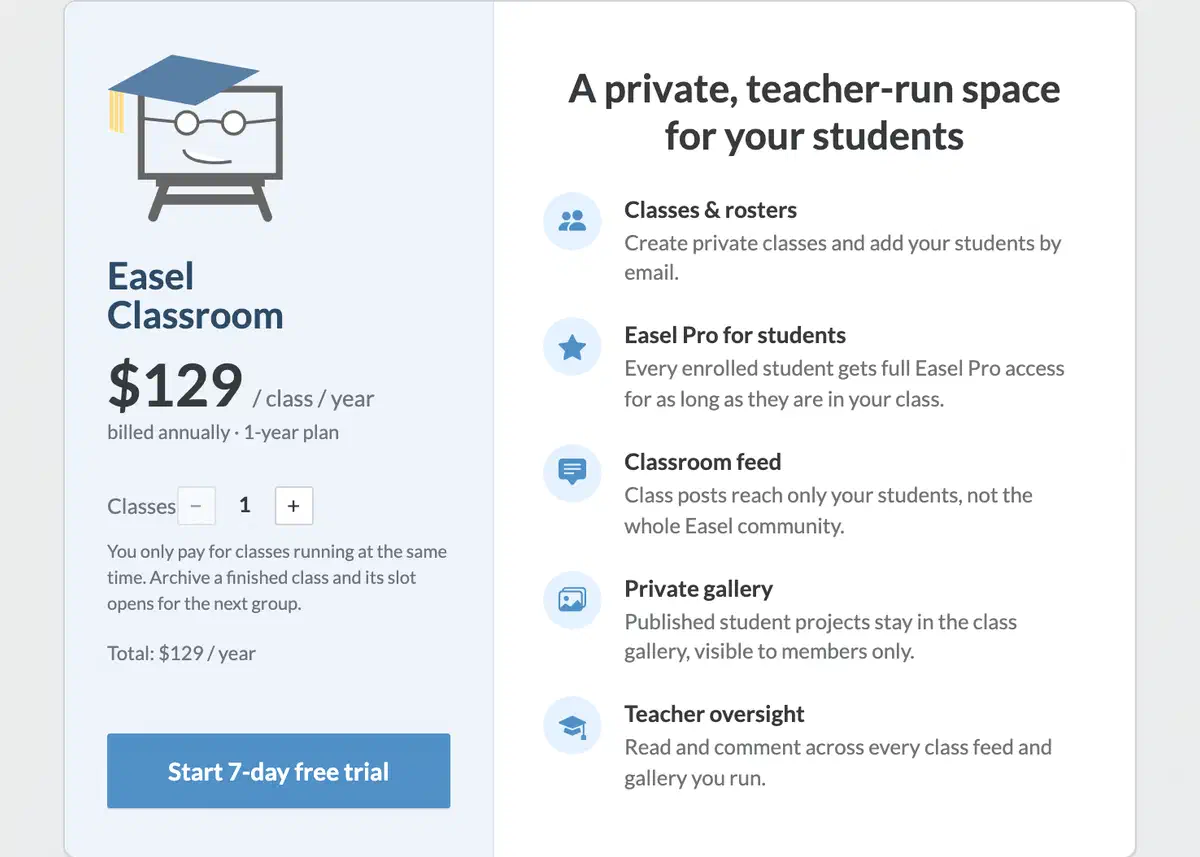
02
Subscribe to Easel Classroom
From the Account tab in Easel, choose how many classes you need and start a 7-day free trial. After that it's $129 per class per year, and you can add classes any time.
03
Invite your students
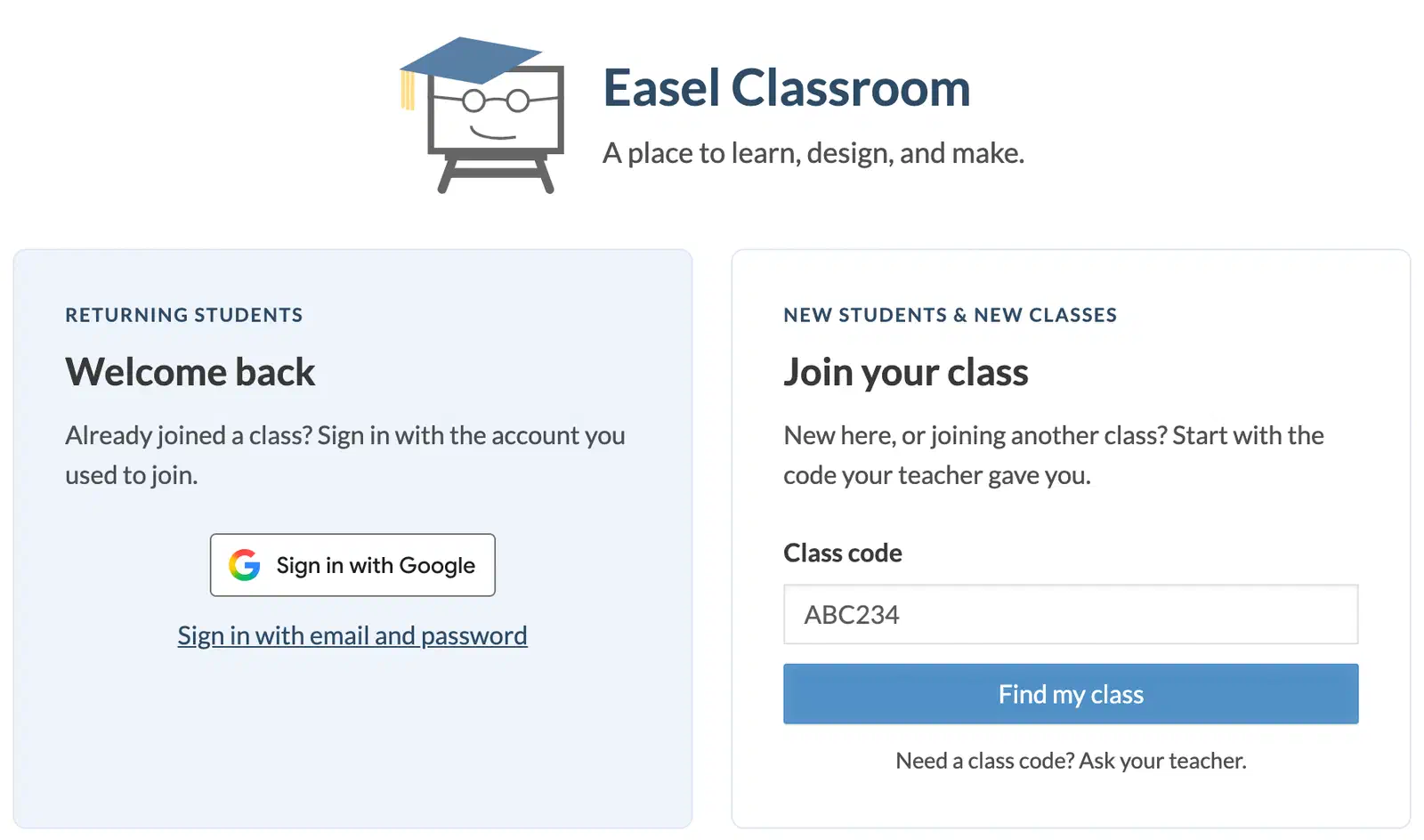
Invite students via Google Classroom, Microsoft Classroom, or import your roster manually. Students get a class code and join from any browser.
What's included
A private, teacher-run space for your students
Everything in Easel Pro for every student, plus the tools you need to run a classroom.
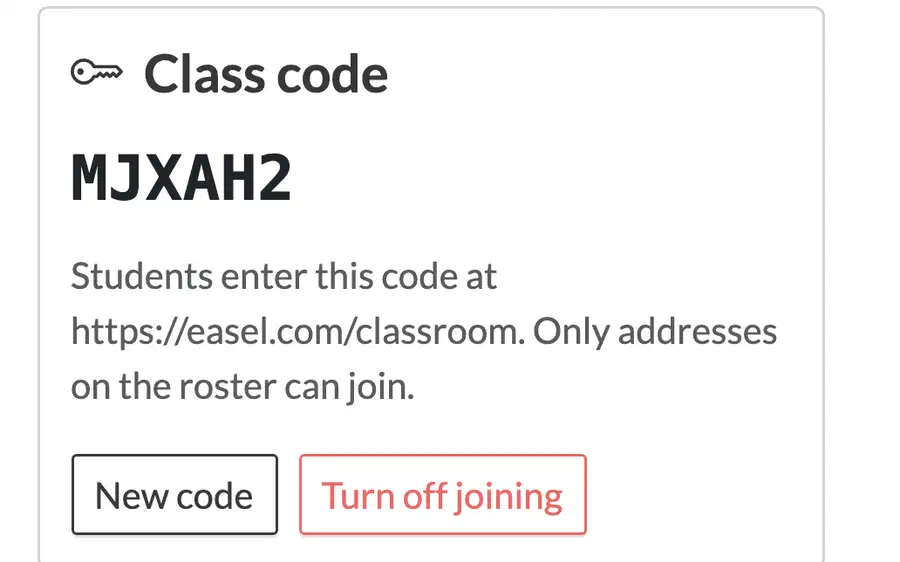
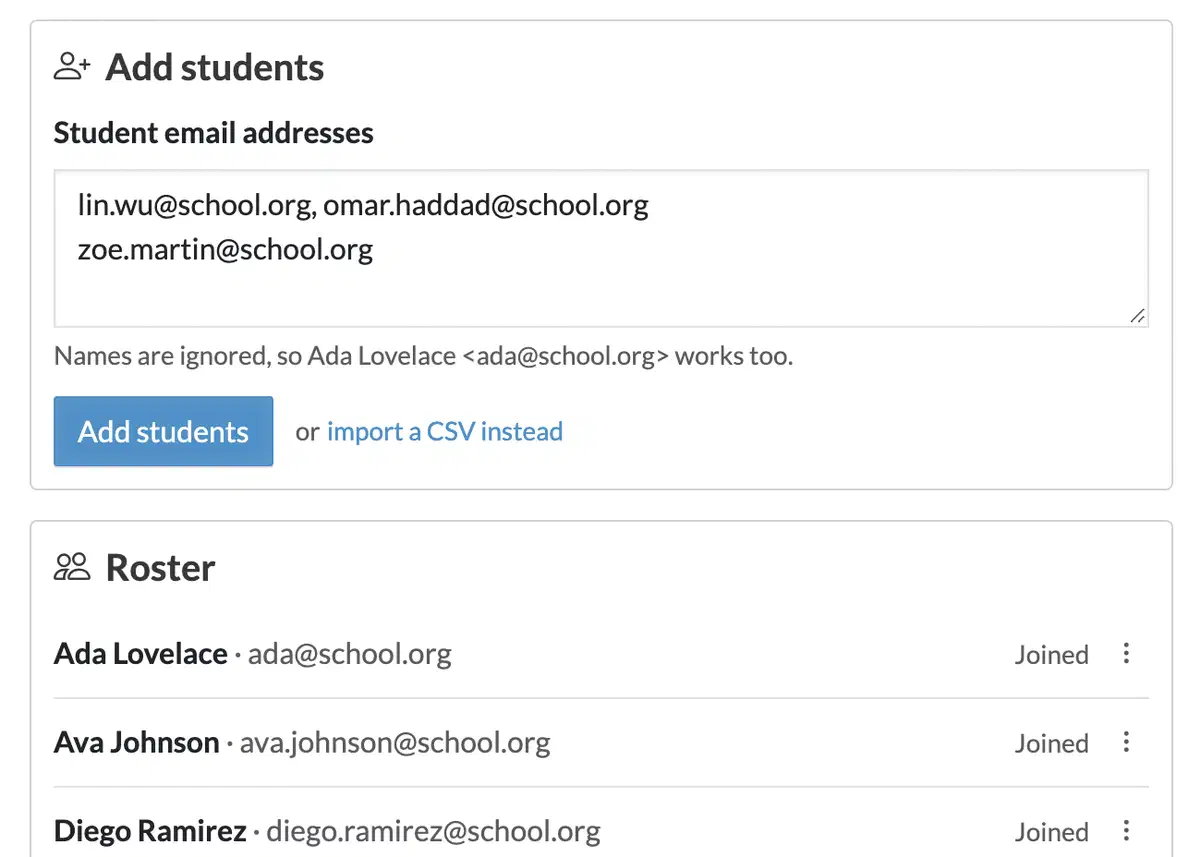
Rosters, join codes and CSV import
Paste addresses or import a CSV, and only addresses at your school's domain can join. Turn joining off once the roster is full, or issue a new code any time.
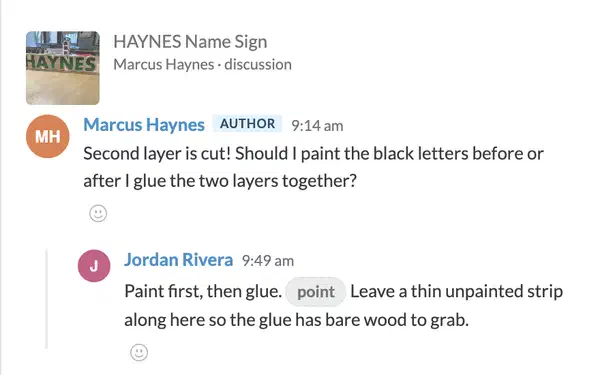
A class feed for work in progress
As students share, their projects appear in a feed only your class can see. Classmates can help each other, and you can see who is stuck before the period ends.
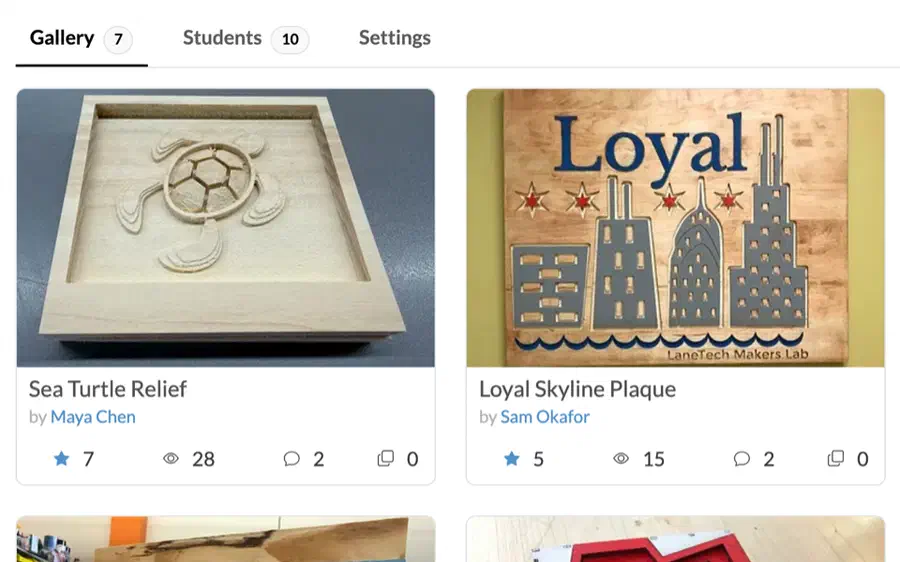
A class gallery for finished work
Publishing to the class gallery is how a student turns work in. Only you and the class can see it, and a copied project shows the original it came from.
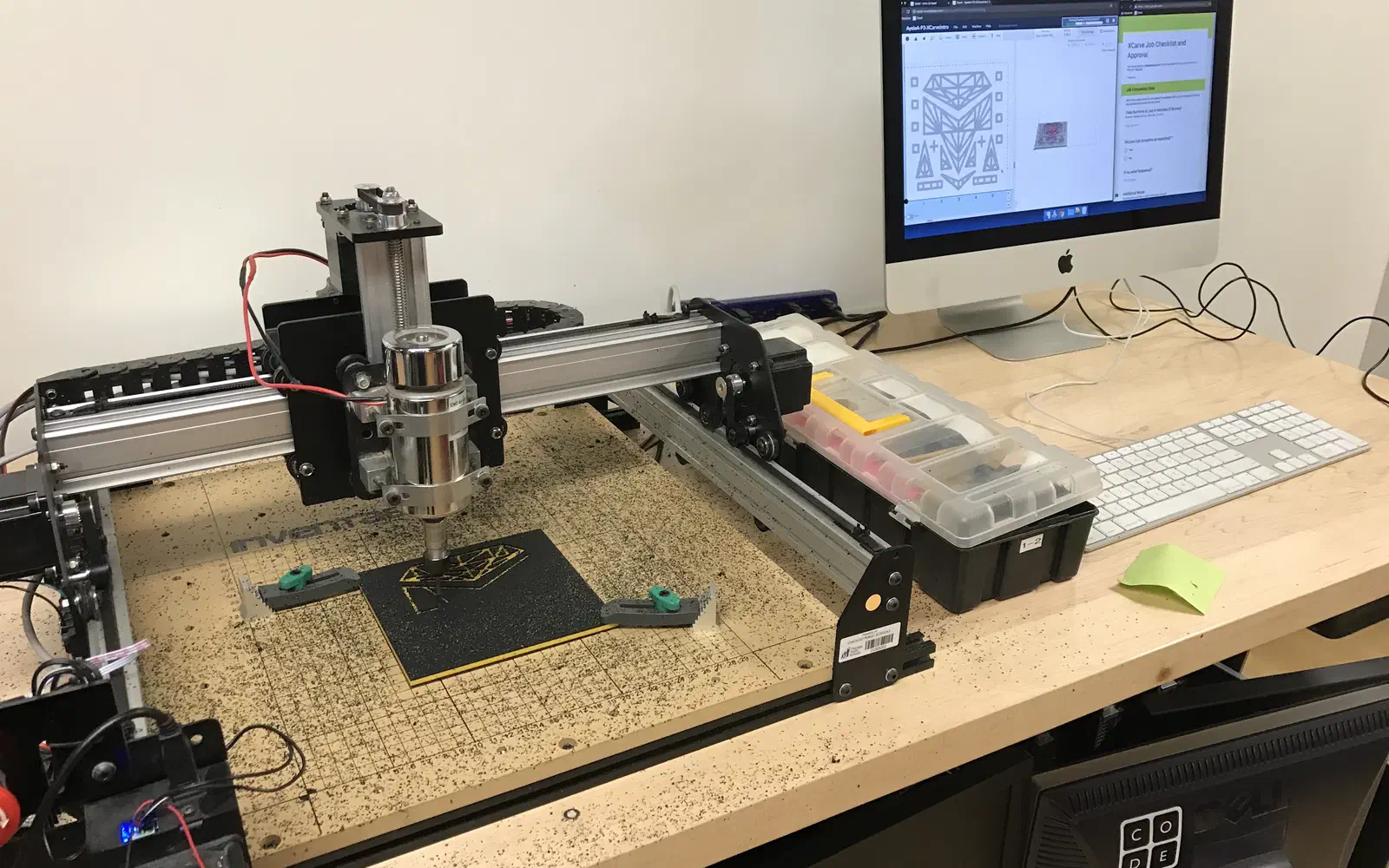
Full Easel Pro for every student
V-carving, 3D carving, inlays, the 10-million-vector design library, 300+ fonts and unlimited carves. Everything a paid Pro maker gets, on every student account.
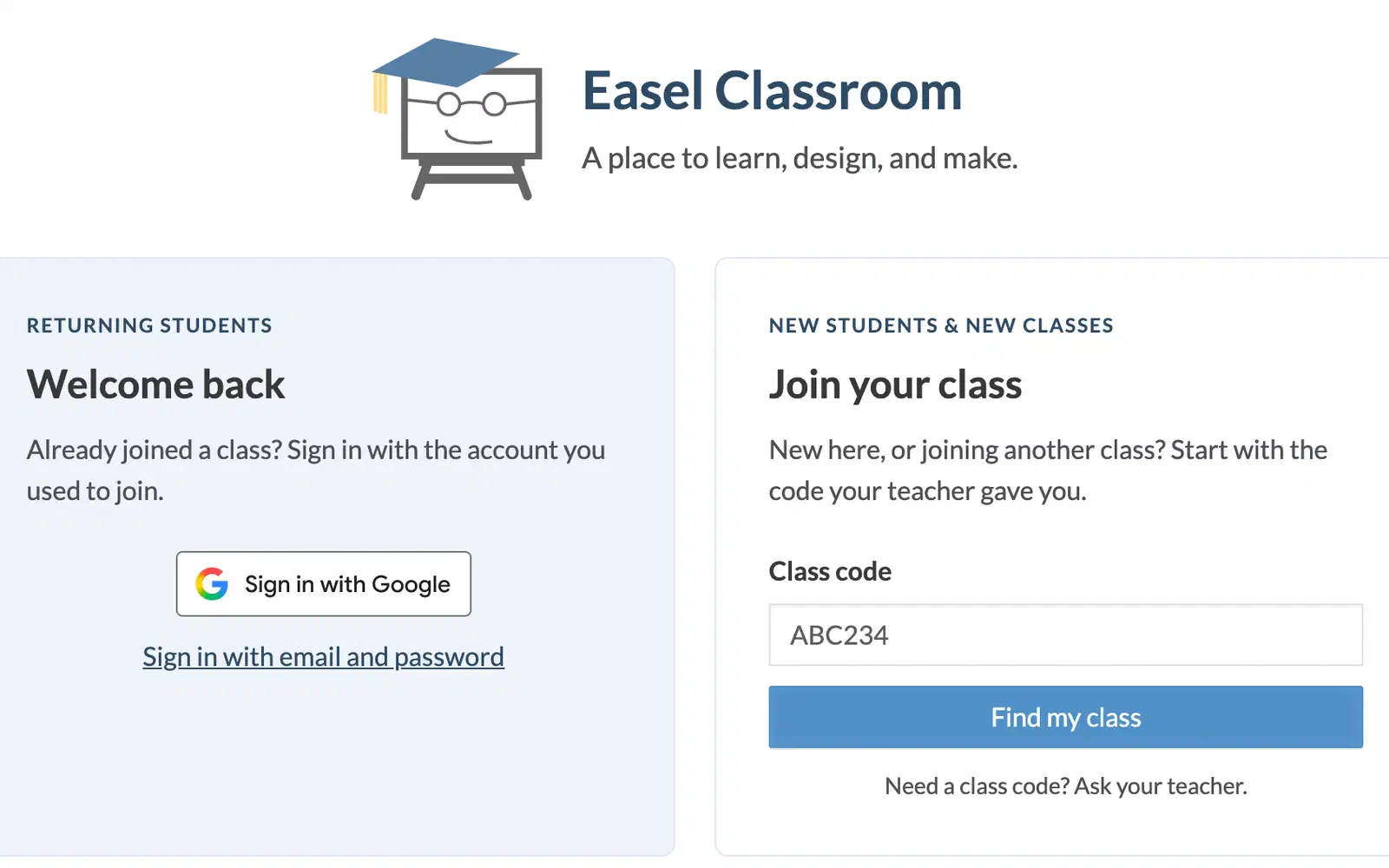
Sign in with Google
Students sign in with the school Google account they already have. No new passwords to hand out, and you can reset a student's access from the roster.
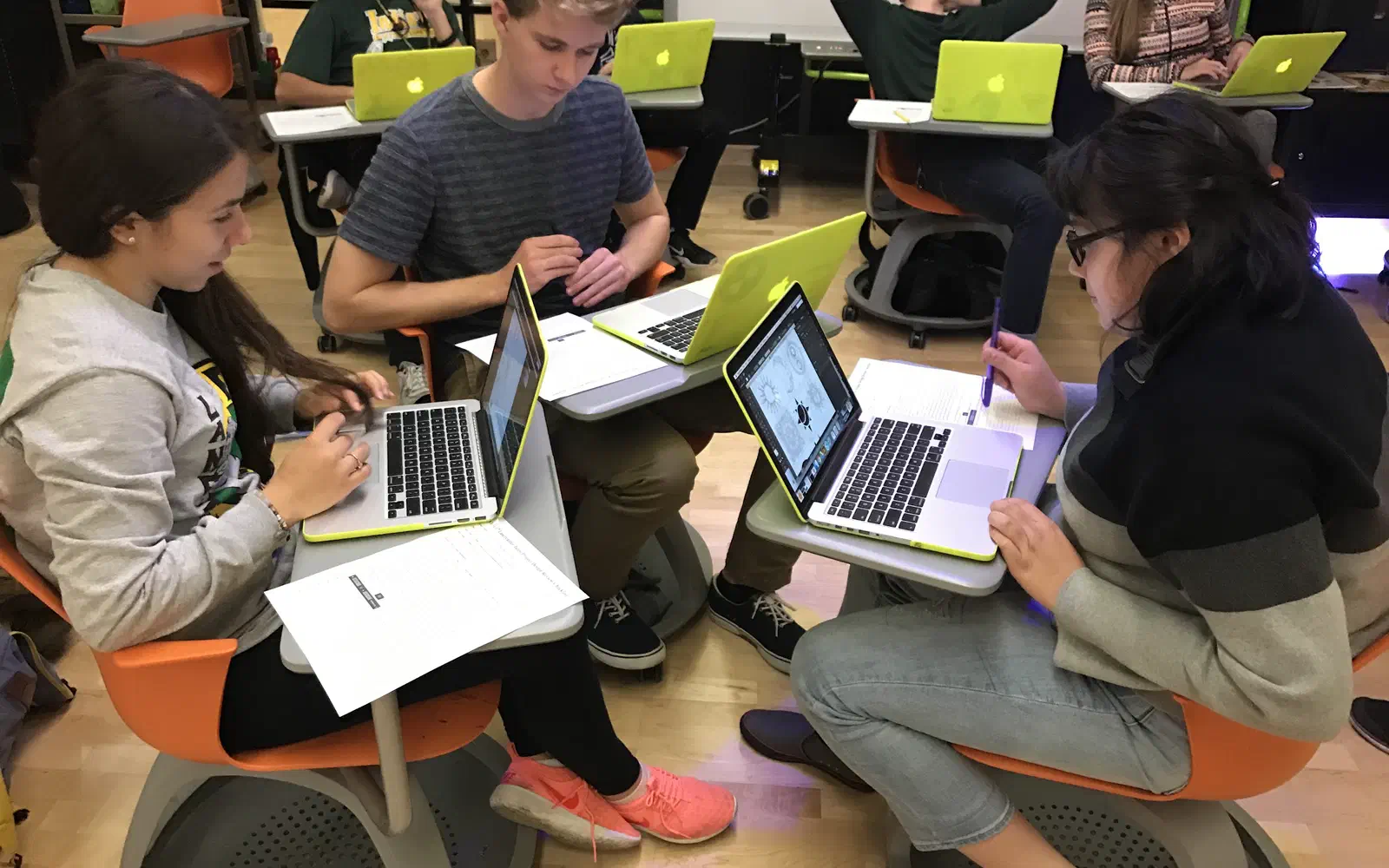
Runs on Chromebooks
Easel is a website, so it works on the devices your school already has. Students can connect to the machine and carve from a Chromebook.
Comments pinned on the design
Click a spot on a student's canvas and leave a note there. It stays with the project, so students can go back to it on their next piece.
Build photos from a phone
Students scan a QR code to add photos of their carve to the project straight from a phone, from process shots to the finished piece.
Archive a class when it ends
A subscription is for classes running at the same time. When a term ends, archive the class and its slot opens for the next group. Students who aren't in another active class have their accounts and projects deleted within 60 days, so they should download anything they want to keep.
Student collaboration
Students learn from each other, and from you
The class feed and gallery become a transparent collaborative workshop for thirty-five students.
- Work in progress, shared as it happens
- The moment a student shares to the class feed, classmates and you can open it and comment. Students who took the class last year end up mentoring this year's without leaving their seat.
- Comments that stay with the project
- Feedback is pinned to a spot on the canvas and stays there. A student can go back to it while working on the next piece, and you can see whether it was acted on.
- Remix, with credit
- A student can open a classmate's published project and build on it. The copy shows the project it came from, so you always know whose idea it was, encouraging building on top of ideas with originality rather than rote copying.
- Build photos from a phone
- Students scan a QR code to add photos of the carve to their project, so the class sees the finished piece and not just the file.
- You see the whole classroom
- You are a member of every class feed and every class gallery you run. Comment, answer questions, and spot the student who has gone quiet.
Student privacy
Built for students under 18, including under 13
In compliance with State and Federal student privacy laws, Easel accounts are for adults. Easel Classroom is the only way a student uses Easel, and it is designed around the rules schools already work under.
- Accounts come from your roster, not from students
- A student account exists only because you added that address to a class. Only addresses at your school's domain can be rostered, and only rostered students can use the class code.
- Nothing a student makes is public
- Student projects, feeds and galleries are visible only to you and their class. They never appear in Easel's public gallery, and students can't share to it.
- You hold the keys
- Remove a student and their access ends. Turn off joining once your roster is full. Reset a student's password from the roster without emailing anyone.
- The minimum data, used only for school
- We collect the school email address a student signs in with and the work they make in Easel. No advertising to students, and student data is never sold.
- Works under your school's authorization
- Classroom is built for the school-authorized consent model under COPPA and the school-official exception under FERPA. Ask us for the documentation your district needs.
From the interviews
What teachers said when they saw it
These are teachers who already use Easel Pro, reacting to a demo of Easel Classroom.
“Giving students access to the Pro features would remove a huge barrier to independence for us, as students would no longer need to funnel all of their projects through a teacher.”
“This will be the first time my kids can actually design on their own.”
“Being able to chat with the kids right in their project by themselves is phenomenal.”
“That is beautiful. That is everything that I'm looking for in a CNC software.”
“It has been especially helpful for giving students more independence on CNC machines without requiring more complicated software.”
“The pricing seems fair to me as it is based on classroom rather than user.”
What students make
2D, 3D, and projects with assemblies
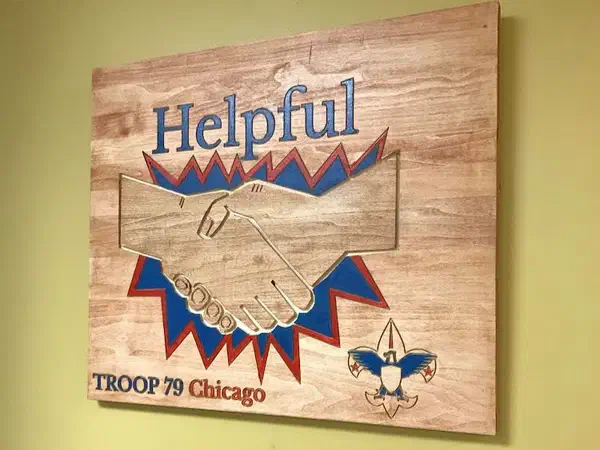
Every piece here was designed in Easel and carved by a high school student at the Lane Tech MakerLab in Chicago.
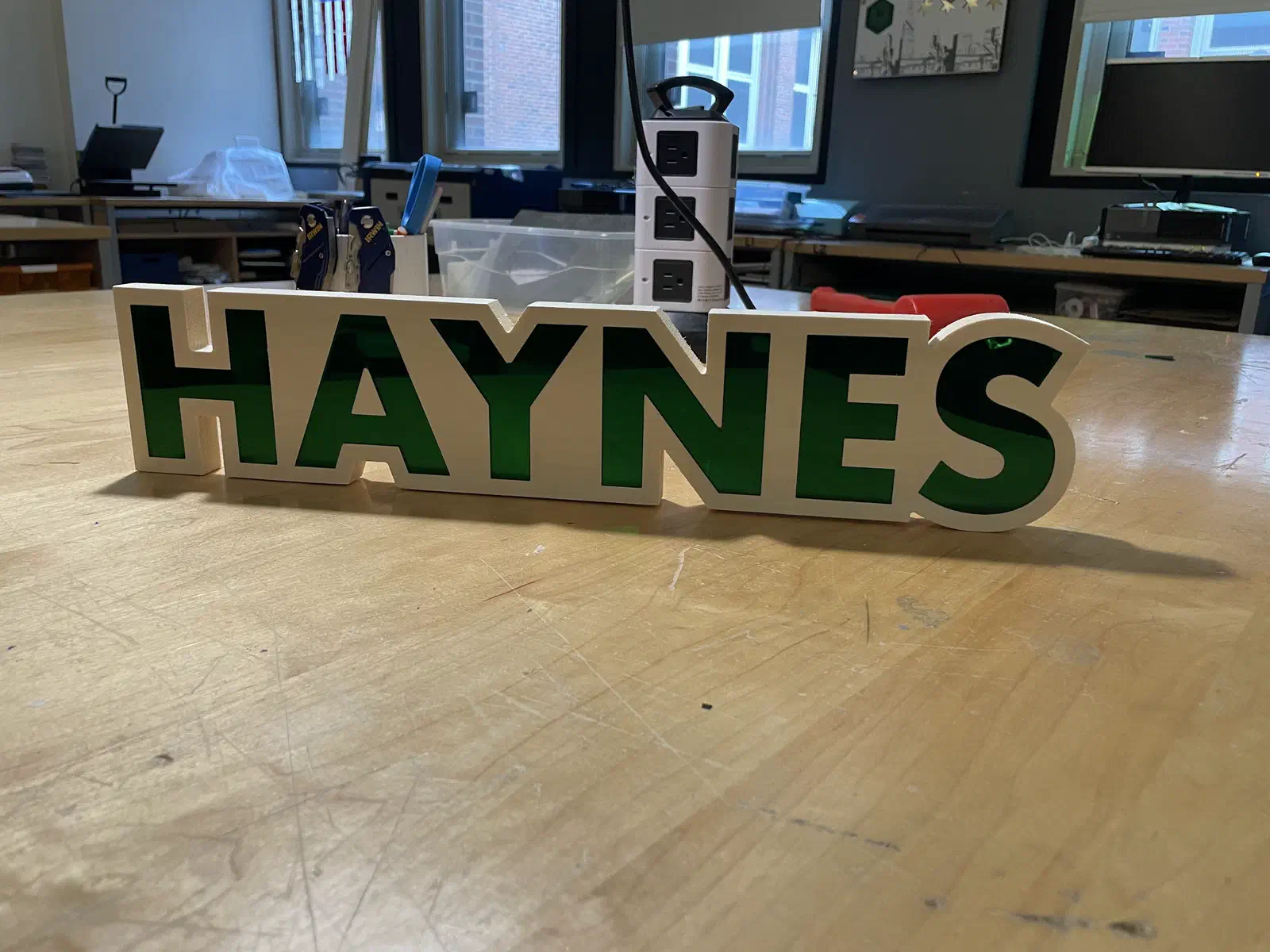 Name sign
 Loyal
Loyal
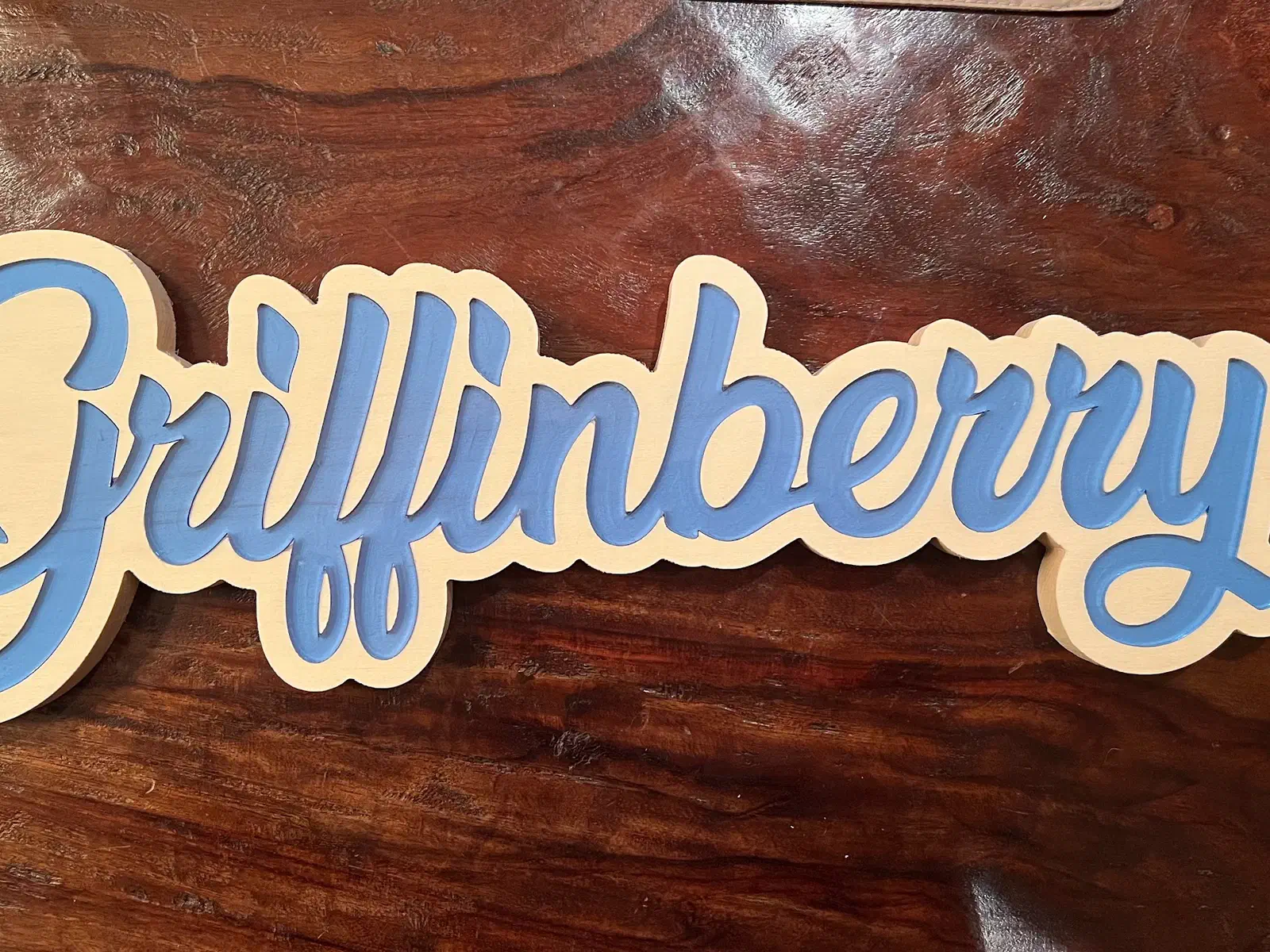 Script cutout
 Team plaque
 Turtle relief
 Chicago flag
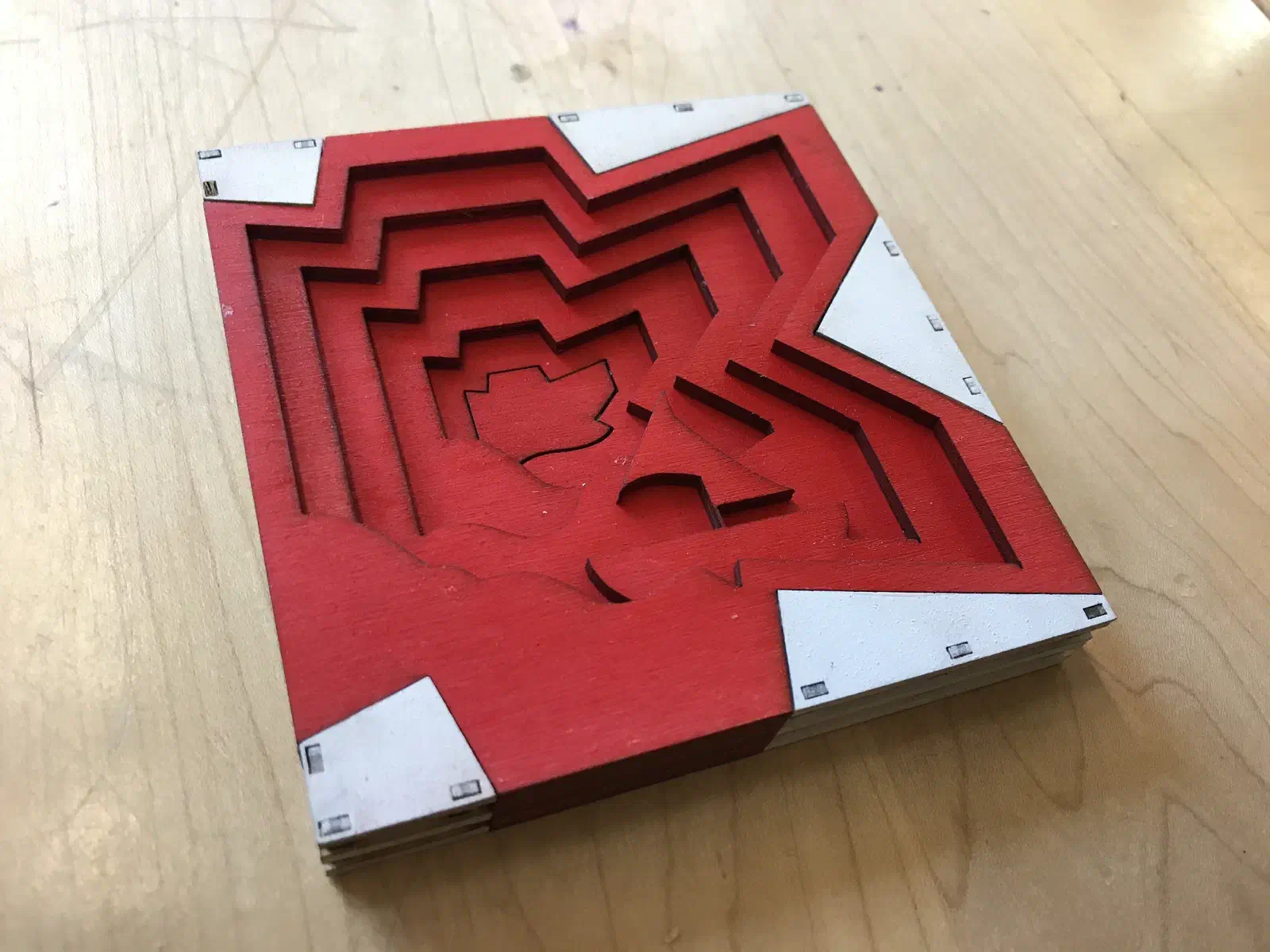 Layered star
 Troop plaque
Pricing
One free seat for you. One price per class for students.
A class holds up to 35 students, so small sections can share one class and one bill. Archive a class when the term ends and the slot goes to the next group at no extra cost. Student work from an archived class is deleted within 60 days unless the student is in another active class.
Educator Account
$0 for educators
A year of Easel Pro, renewable while you teach.
For a teacher who wants Pro for their own designing and carving, with students working through the teacher's account.
Apply for an Educator AccountVerified from your school email and website. Tax-exempt schools can attach their certificate on the application.
Easel Classroom
$129 per class, per year
Starts with a 7-day free trial, then billed annually. Add classes to your plan any time.
For a teacher at a K-12 school or district in the United States who wants every student designing and carving on their own login.
Subscribe from your Account tabPaid by credit or debit card, entered when the trial starts. Requires an approved Educator Account with your school's sign-off.
Full Easel Pro for every student on the roster, private class feed and gallery, pinned comments, rosters and Google sign-in.
Questions
Things teachers asked us
I just want Easel Pro for myself. Do I need Classroom?
Do I need an Educator Account before Classroom?
I teach several small sections. Do I need a class for each one?
I rotate through new groups every term. Do I pay for each?
Can my students be under 13?
We use Chromebooks. Will it work?
Can students copy each other's work?
Do I need a CNC machine?
Does it connect to Google Classroom?
Can I pay with a purchase order?
Start with a free Educator Account.
Apply today and teach with Easel Pro this term. When you're ready for students on their own logins, start Easel Classroom from your Account tab.
Apply for an Educator Account Students, join your class
Questions before you apply? Email help@easel.com.