DIY Clamp Set

Instructions
1
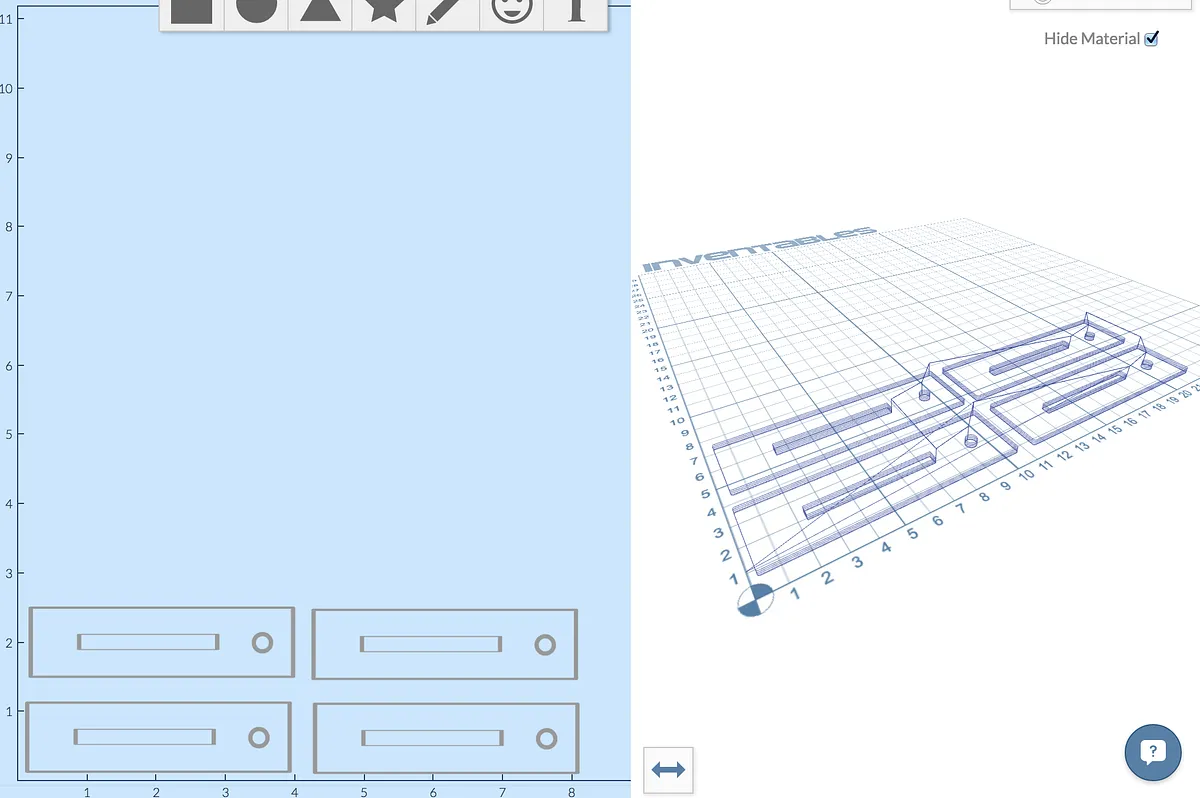
Cut out the parts with Easel
Use the "Open in Easel" button above to open and copy the clamp set project. I used 3/8" MDF, but you could use any material.
2
Press in the threaded inserts
The circle is perfectly sized for the M5 sized threaded inserts with a 6.35mm mounting hole. Just press them into the hole.
3
(optional) Sand down the bevelled edge
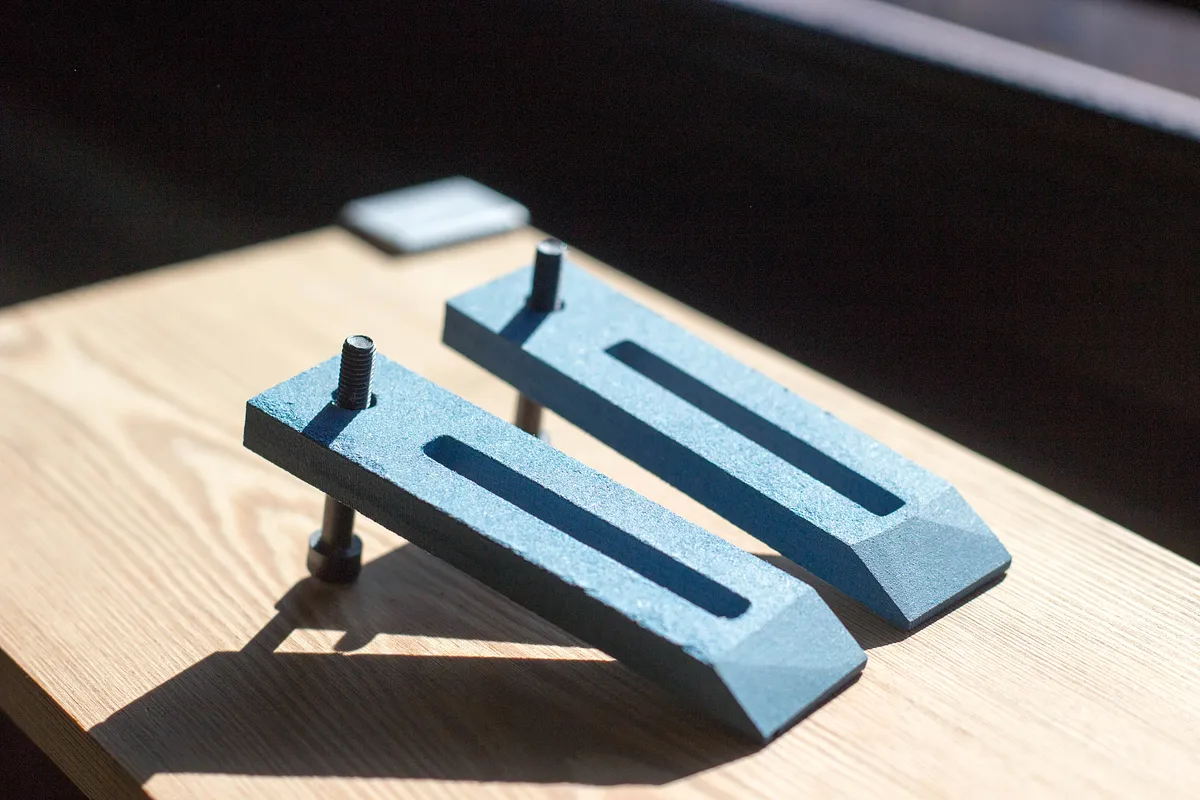
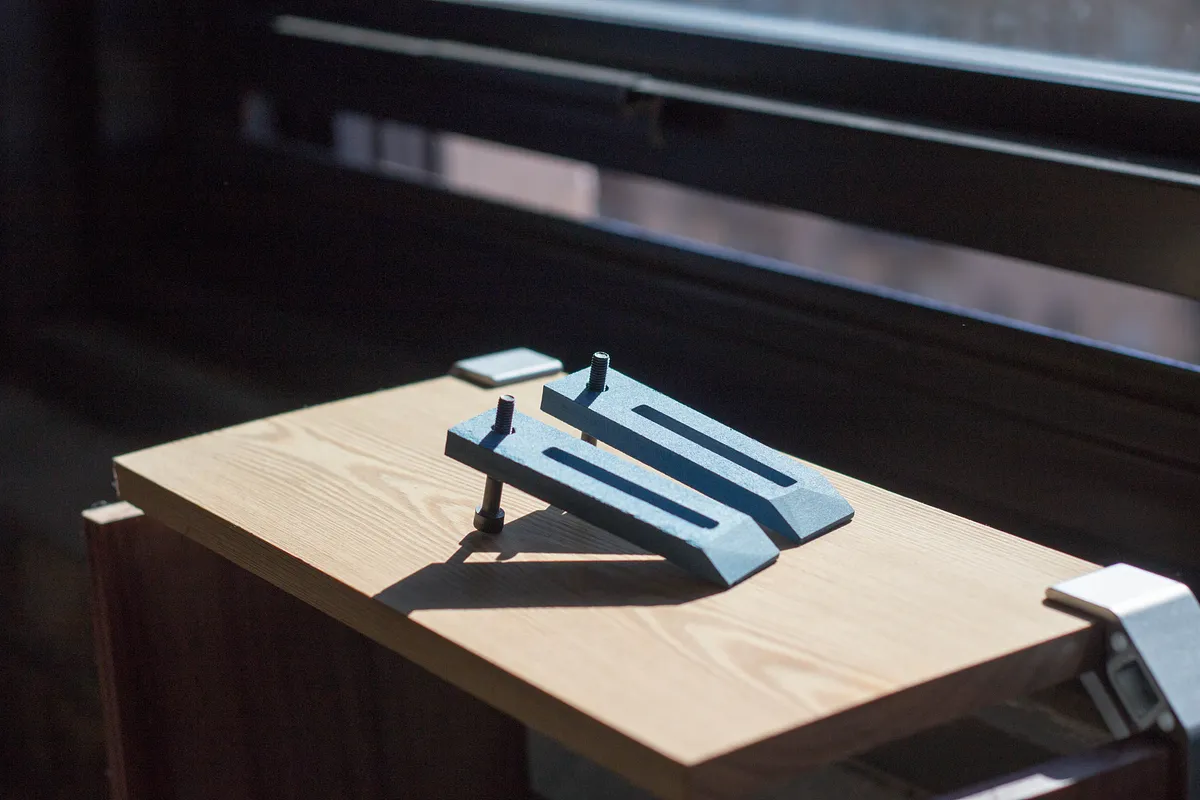
I sanded an angled edge onto my clamps to give them a lower profile for the part of the clamp that is over the material. This makes it easier to avoid hitting the bit against the clamp.
4
Add the M5 screws
Each clamp uses 2 screws, one in the threaded insert and one which goes into the threaded inserts in the wasteboard.

Comments
great
Athanasios Goulas · October 25, 2014
Hi Paul, this currently gives an error when trying to open in Easel. Says "This project has not been shared publicly".
Beau Turner · October 25, 2014
Hi sorry about that I shared it you should be able to open it now.
Paul Kaplan · October 26, 2014
How about a post in G code.
Ted Smith · November 20, 2014
If you click "Open in Easel" you can use Easel, our online CAD / CAM / Control app to generate and download gcode depending on what material you are using!
Paul Kaplan · November 20, 2014
Awesome project. Thanks Paul. You guys at Inventables are super bunch of awesome people. All of my projects look 100 times better. Thanks Again
Gary Flanagan · December 12, 2014
:) thanks!
Paul Kaplan · December 16, 2014
Looks nice was the Ramp or slope cnc as well or added after the job completed??
John W Vaughn · January 13, 2015
It was added on a belt sander afterwards.
Paul Kaplan · January 14, 2015
cool
nick sturniolo · February 18, 2015
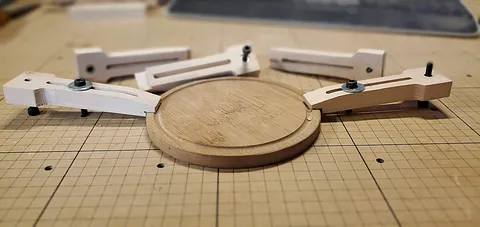
I extended mine out a couple of inches to give me some longer clamping ability.
James AlbertPro · October 25, 2017