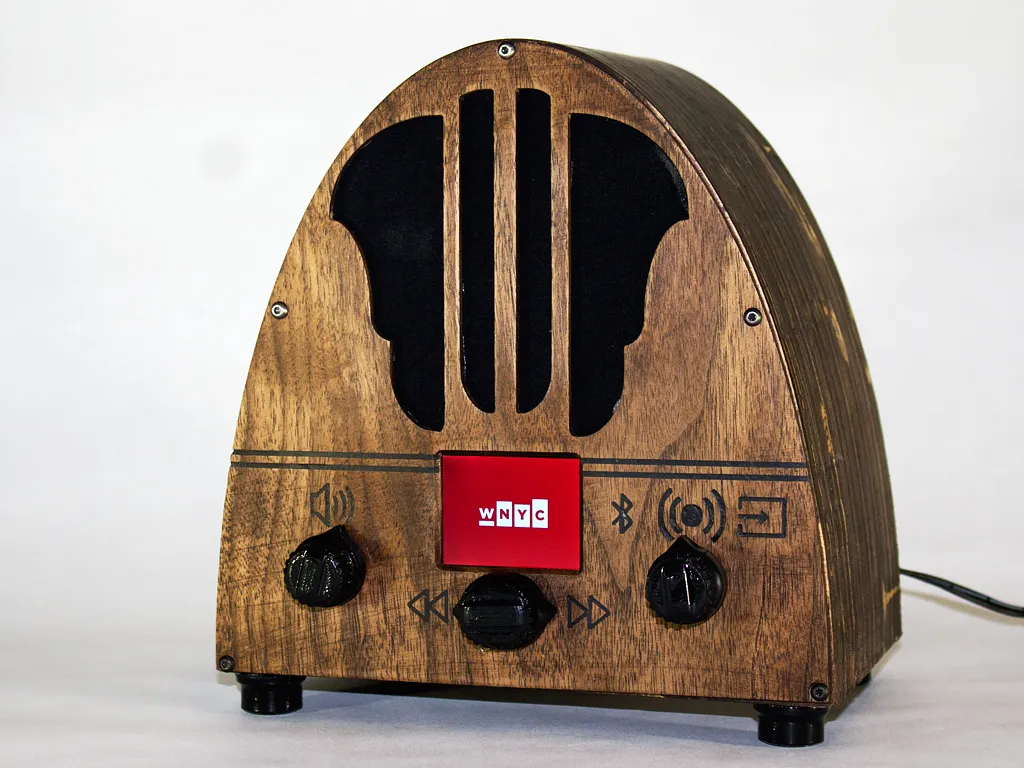
Cathedral Internet Radio
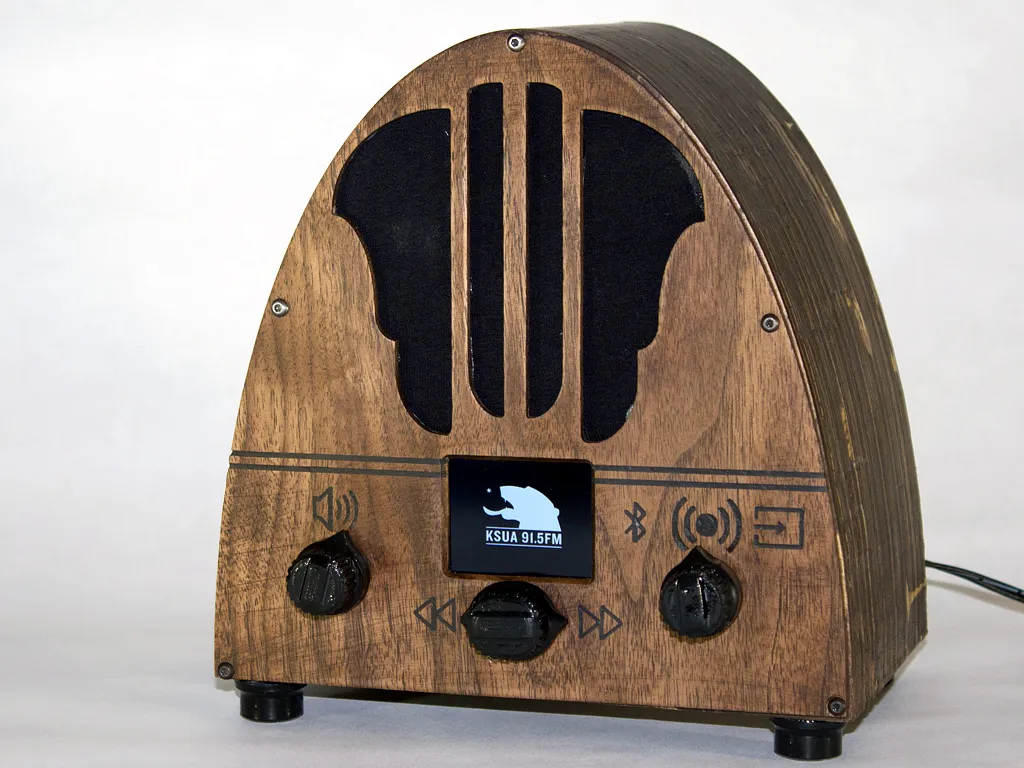

Instructions
Bill of Materials
- Front/Back panel - 1/8" Walnut
Ribs - 3/4" plywood
Raspberry Pi A+
20W Stereo Amp (https://www.adafruit.com/product/1752)
Bluetooth audio receiver (http://www.amazon.com/gp/product/B00PXC0CIK?psc=1&redirect=true&ref=odaui_detailpages00)
3P3T Switch (http://www.amazon.com/gp/product/B00K855OZI?psc=1&redirect=true&ref=odaui_detailpages00)
Laptop speakers
2.2" TFT Display
10k potentiometer
5 way navigation switch
Cathedral Build
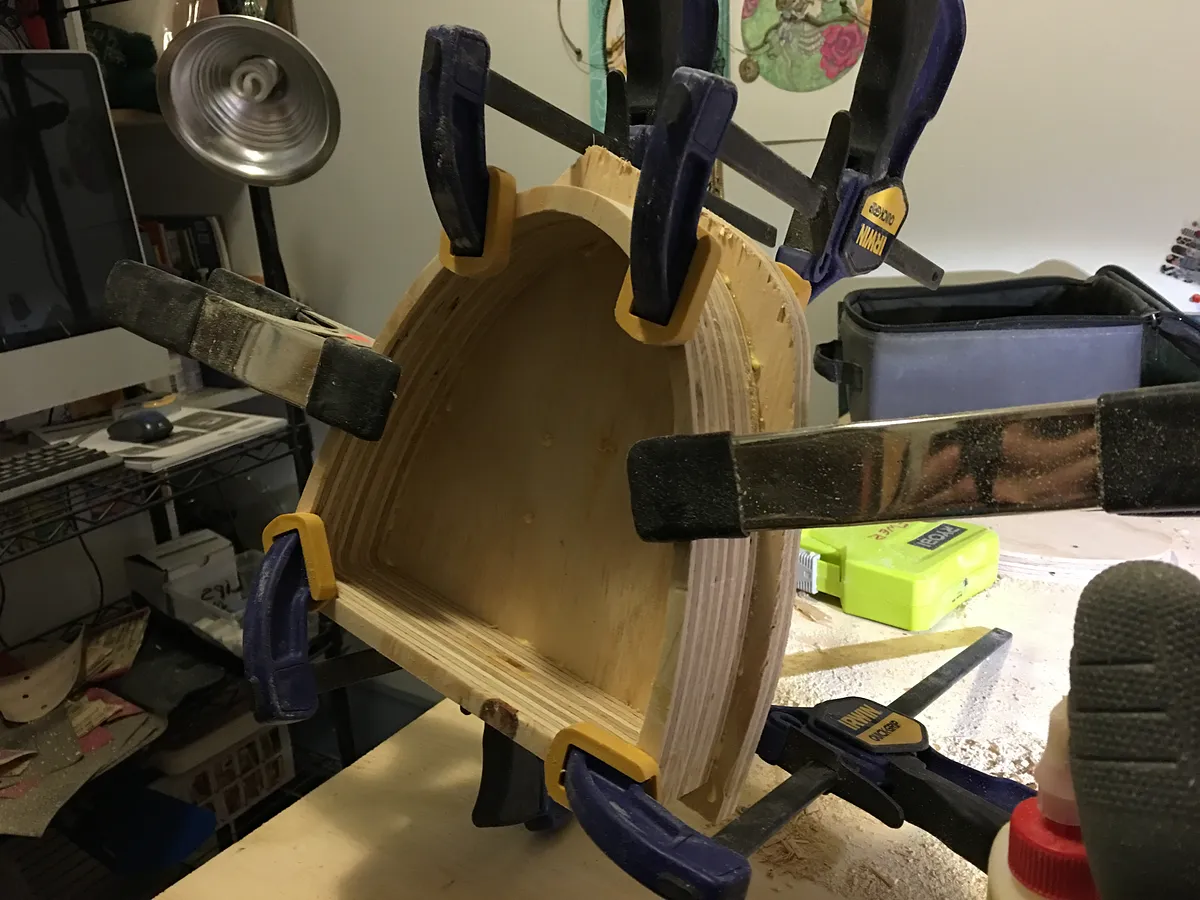
- Cut out one cathedral rib and use that as a template with a hand router. (I found this cut down on the cnc time significantly)
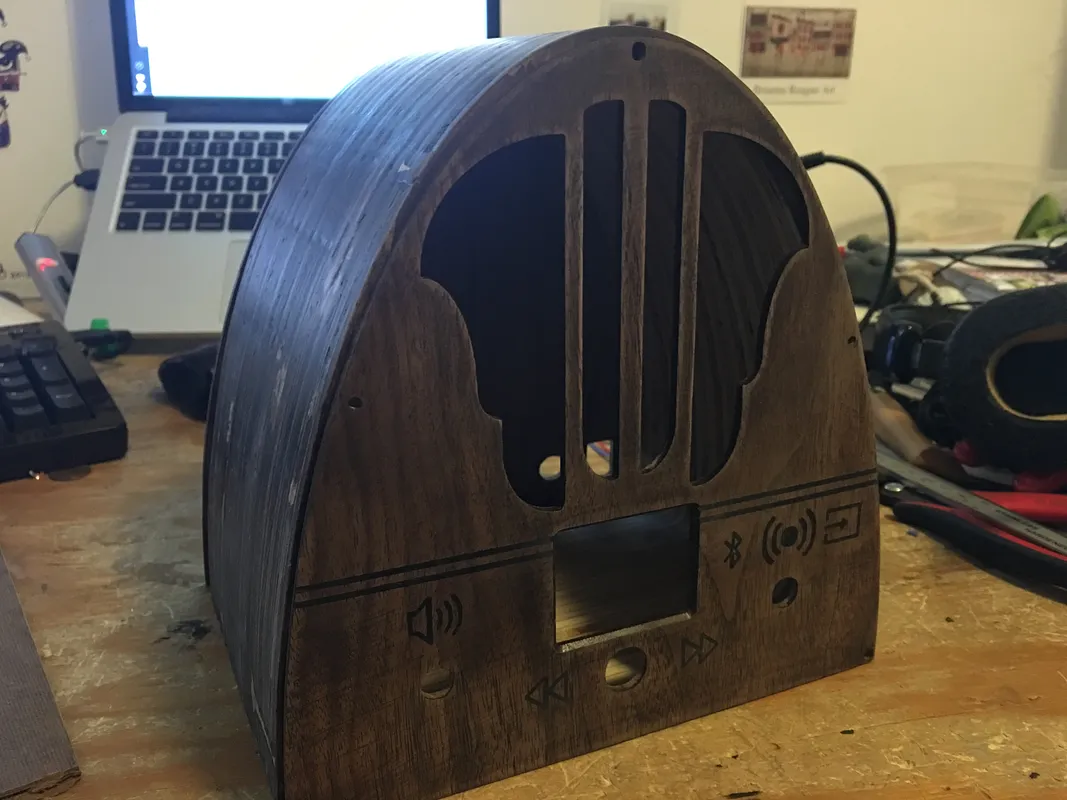
- Cut out the front panel (I used several different sized bits for this)
Cut out the back panel
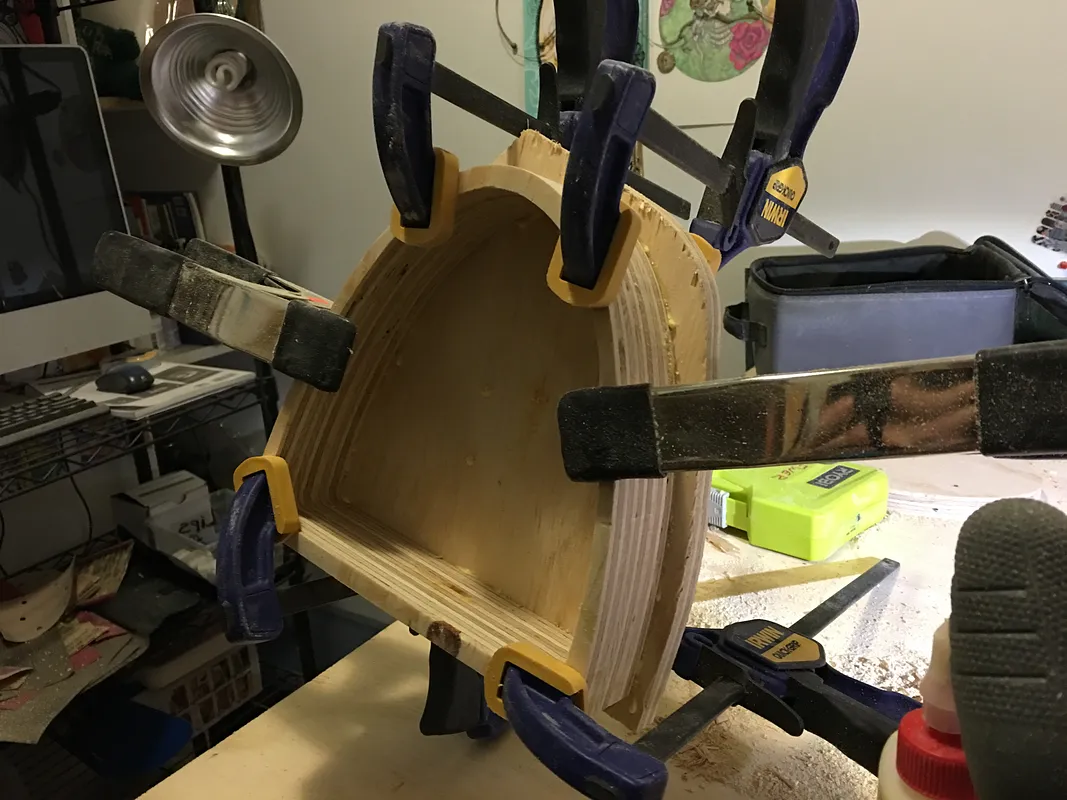
Glue the ribs together to give it about 5" of depth
Sand/stain the entire thing
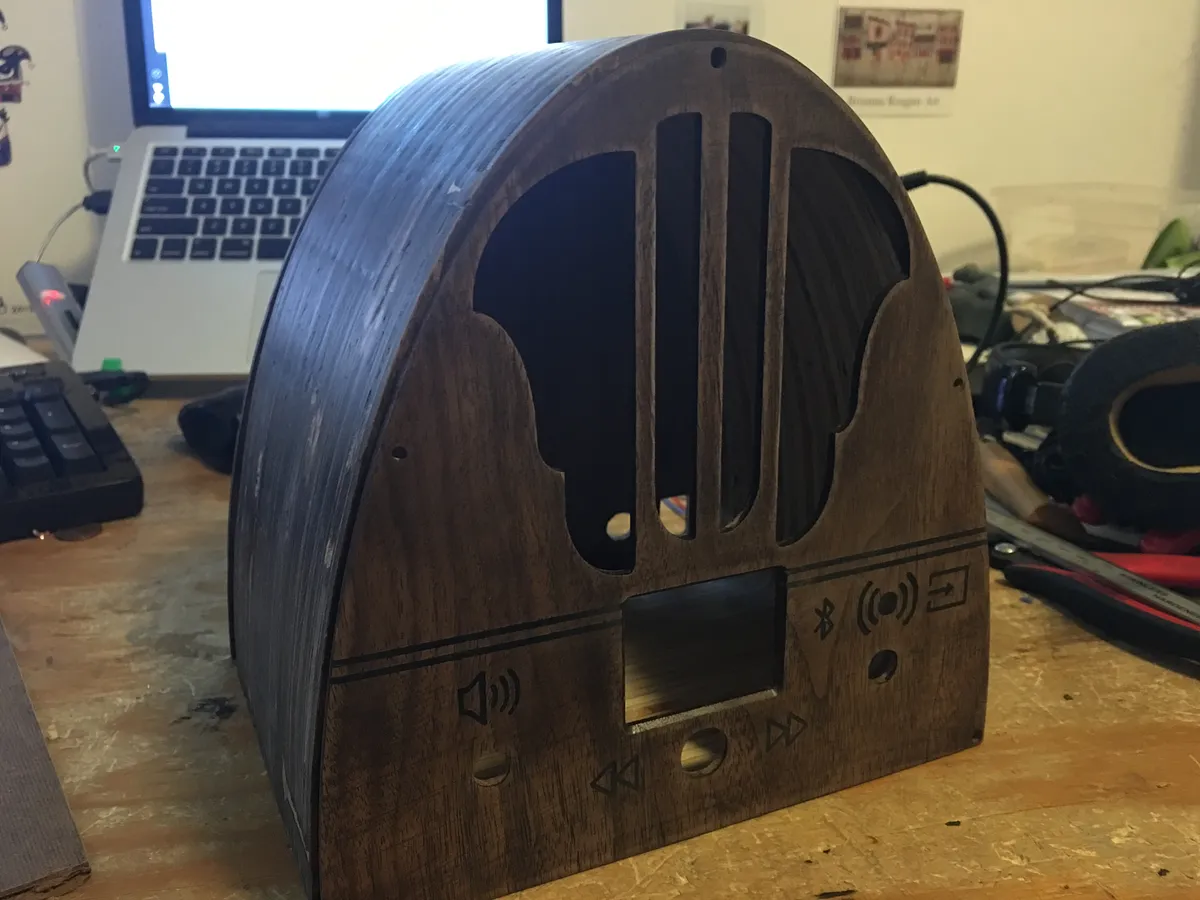
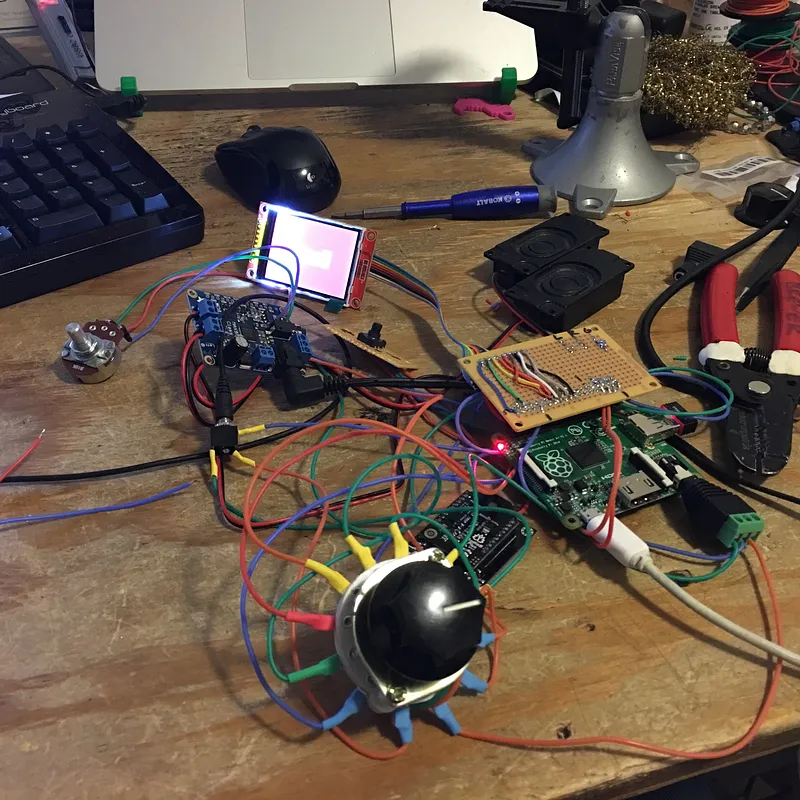
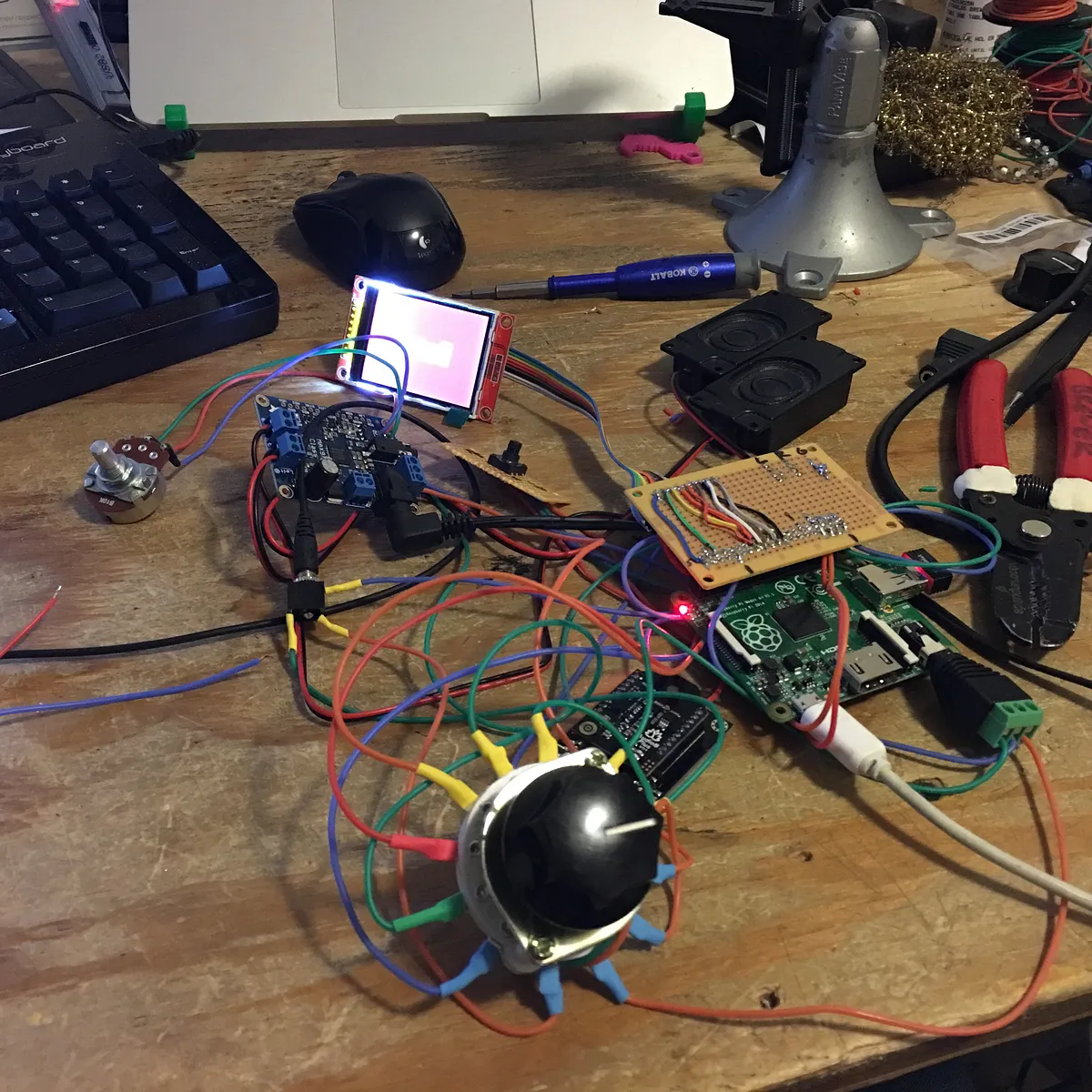
Electronics Build
This is really going to depend on how you set up your system.
The biggest tip I can give is that I used the 3 pole switch this way... each audio source is broken into Left/Right/Ground. These all go into the switch, so each position represents one source. All the outputs are fed through the switch to the amp.
Programming
I used NOOBS to set the pi up initially because it's super easy.
This will take some python/programming knowledge and feel free to pick through my code to help figure it out.
- Install MPD on the Pi (https://learn.adafruit.com/raspberry-pi-radio-player-with-touchscreen/installing-the-music-player-daemon)
- Instructions on getting the TFT LCD screen to work (http://marcosgildavid.blogspot.com/2014/02/getting-ili9341-spi-screen-working-on.html)
- The python script can be found on my github page along with all the wiring pinouts (https://github.com/nickbrewer/Radio)
- Launch the script on startup (http://www.instructables.com/id/Raspberry-Pi-Launch-Python-script-on-startup/)
- Edit the mpd playlist for your own stations and change the images
Finished!
It's not an incredibly difficult build, but is a great way to help hone your making skills.
Comments
This project looks great. Love it.
vlada · July 09, 2016