Parametric Circle Cubby
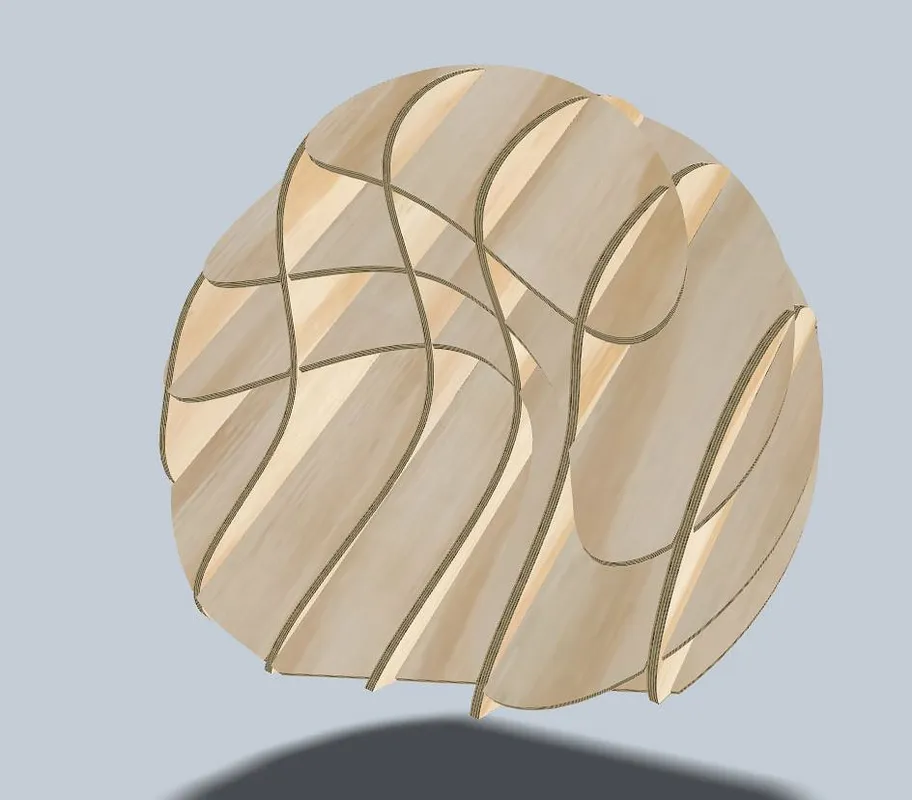
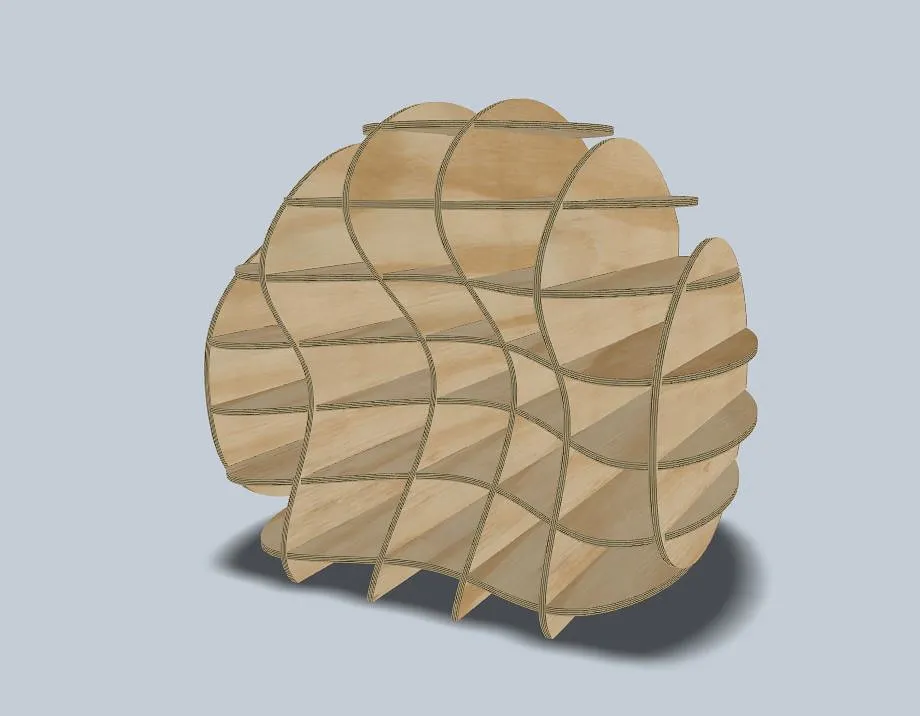

Instructions
Start by selecting your Material
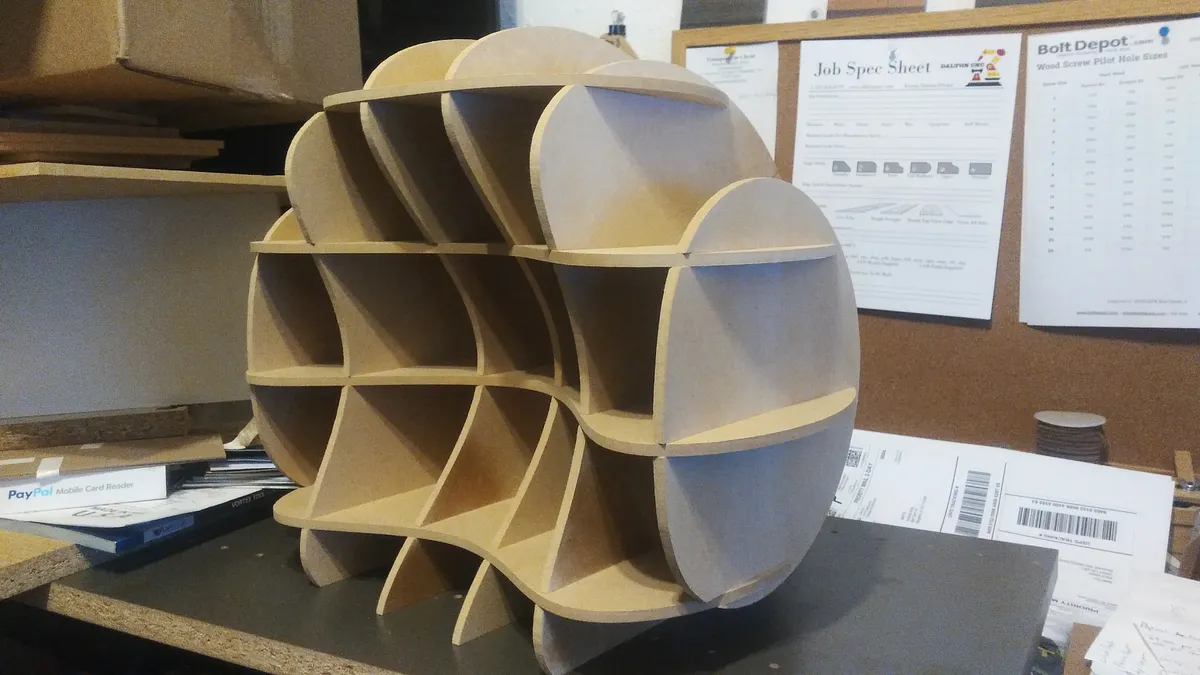
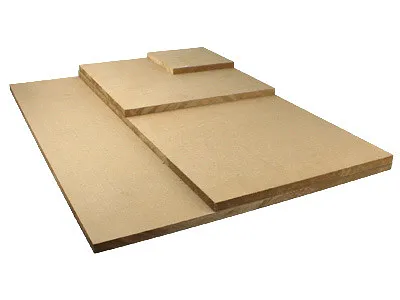
I started by selecting 1/4" MDF material and cutting the sheets to size
I cut mine to 29" x 29" so that they would fit on my 1000mm X-carve
You cant cut on a smaller X-carve you just need to size your stock accordingly
Estimated time: 15 minutes
Cut out on your machine
Cut out all the pieces on your machine according to the recommended feeds and speeds in Easel
Don't forget your Dust Collection :)
Estimated time: 30 minutes
Assemble your Project
In this step you need to assemble your project take your time and do not force the pieces together as we do not want to break anything :)
I have made a short video of the assembly steps
Estimated time: 10 minutes
Play Time
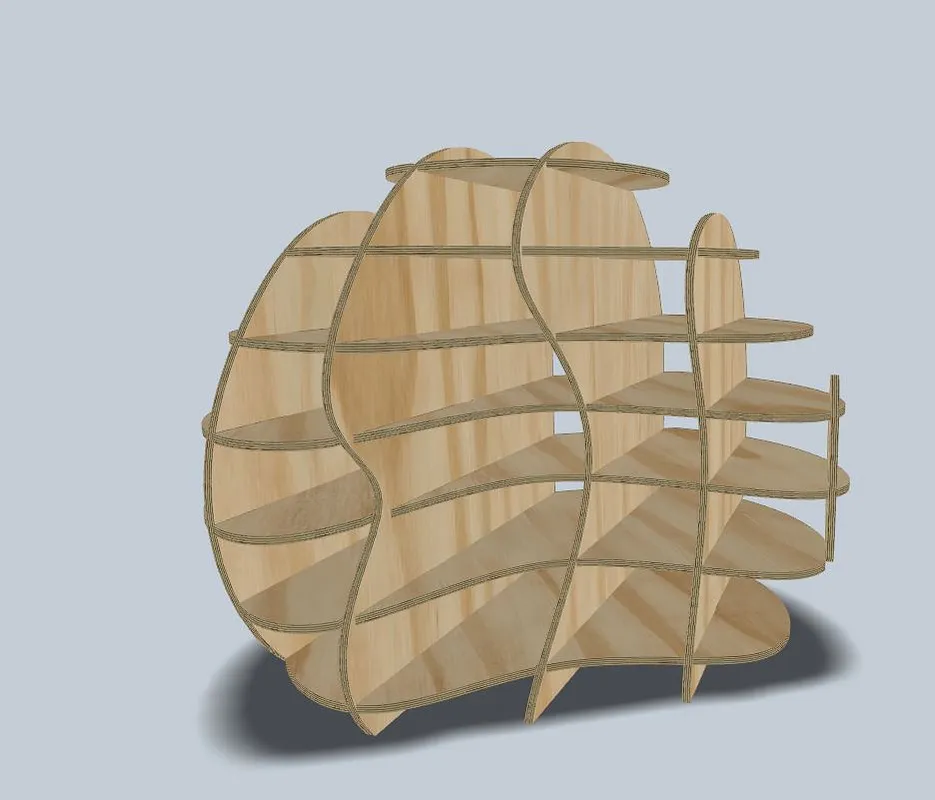
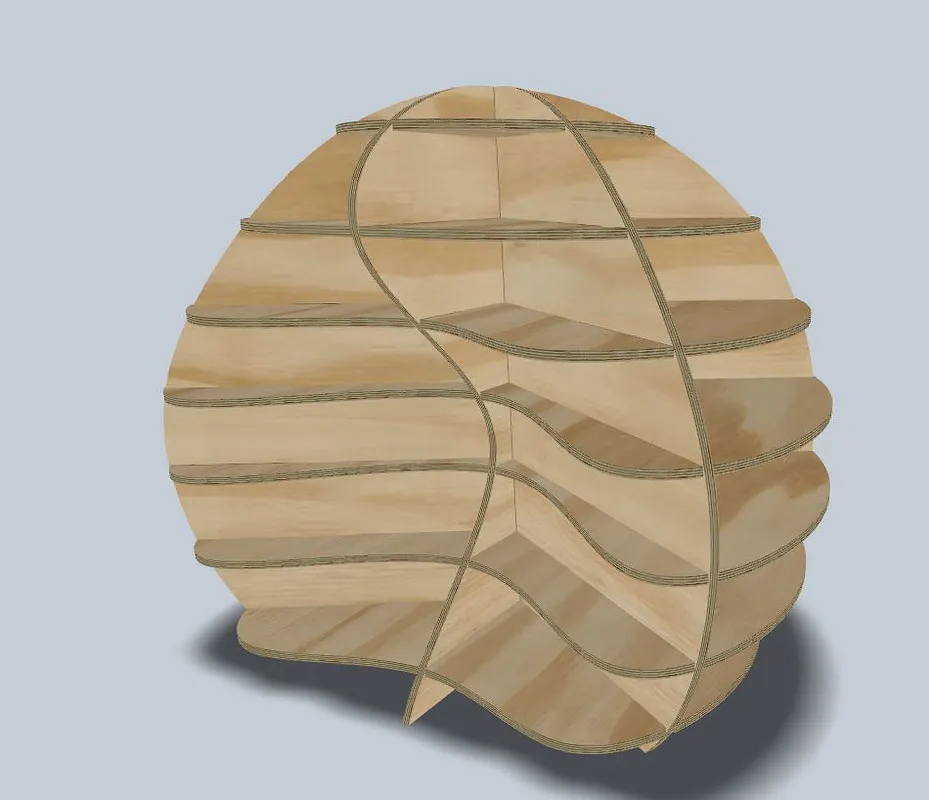
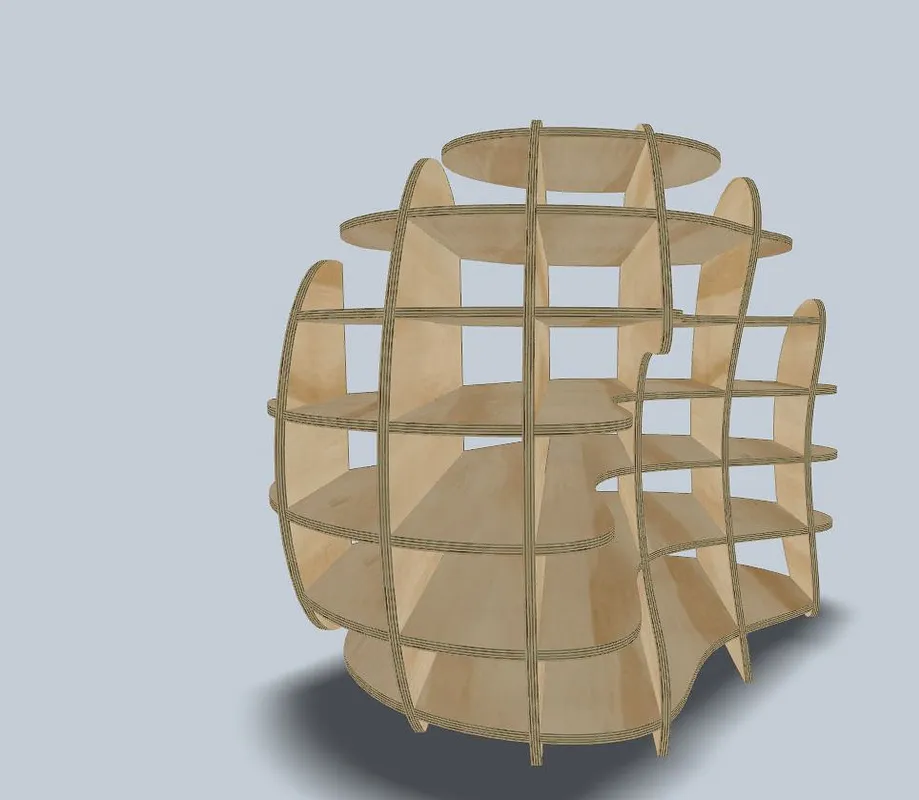
I have also included some pictures of other possible projects that you can do with parametric furniture
I Designed in
Autodesk Fusion 360
I sliced and parted in
Autodesk Slicer For Fusion 360
Test Fit in
Autodesk Fusion 360
Then exported the DXF File from
Autodesk Fusion 360
Then imported the DXF File into
V-carve pro
Then exported the vectors as an SVG
Then I imported into Easel
Estimated time: 10 minutes
Comments
This is a fun project. I made mine out of blue acrylic and the parts fit perfectly with little modification.
Christopher CuevasPro · July 25, 2019
My didn't work well. I changed the wood thickness to match some scrap that I had. I believe that throws off the slots, so it is too loose to use. It was still fun. I am a beginner and don't have the tools to resize. I need to get a board that is .223 to match the plans!
Scott Kessler · December 02, 2020