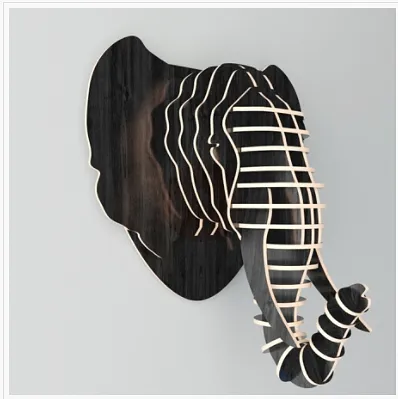
Elephant Wall Trophy

Instructions
1
How to cut out this head
When you open the project you will notice there are a few pages of cut files. To navigate to the different cut files you'll need to click the pages at the bottom of the screen to open the next cut.
Comments
Is there an easy way to change this file to match .475" material?
Lance Fenner · August 09, 2020
Lance -> you can scale up the project by taking the thickness you want the project to be lets call that T divided by the current thickness lets call the CT and time that by the current width lets call that CW.
Andrew Petzold · August 10, 2020
this will get you the new width to scale the project too. T / CT * CW = new width 8/10/2020
Andrew Petzold · August 10, 2020
Thanks Andrew! I tried to increese the scale factor by two to make the slot thickness .475" but it made the ear sections so large that it would no longer fit my CNC. :( I'll keep playing with it. Thanks for the help and the cool file!!!!
Lance Fenner · August 10, 2020
i open it up and dont see any extra pages at the bottom how would i go about finding them. sorry very new to all this
Anthony Hollinger · April 07, 2023